How To Create Music Sheets With LaTeX - From Setup To Advanced Notation
Learn how to create professional music sheets with LaTeX, from setup to advanced features, using free tools.
Aug 04, 202422.4K Shares415.3K Views
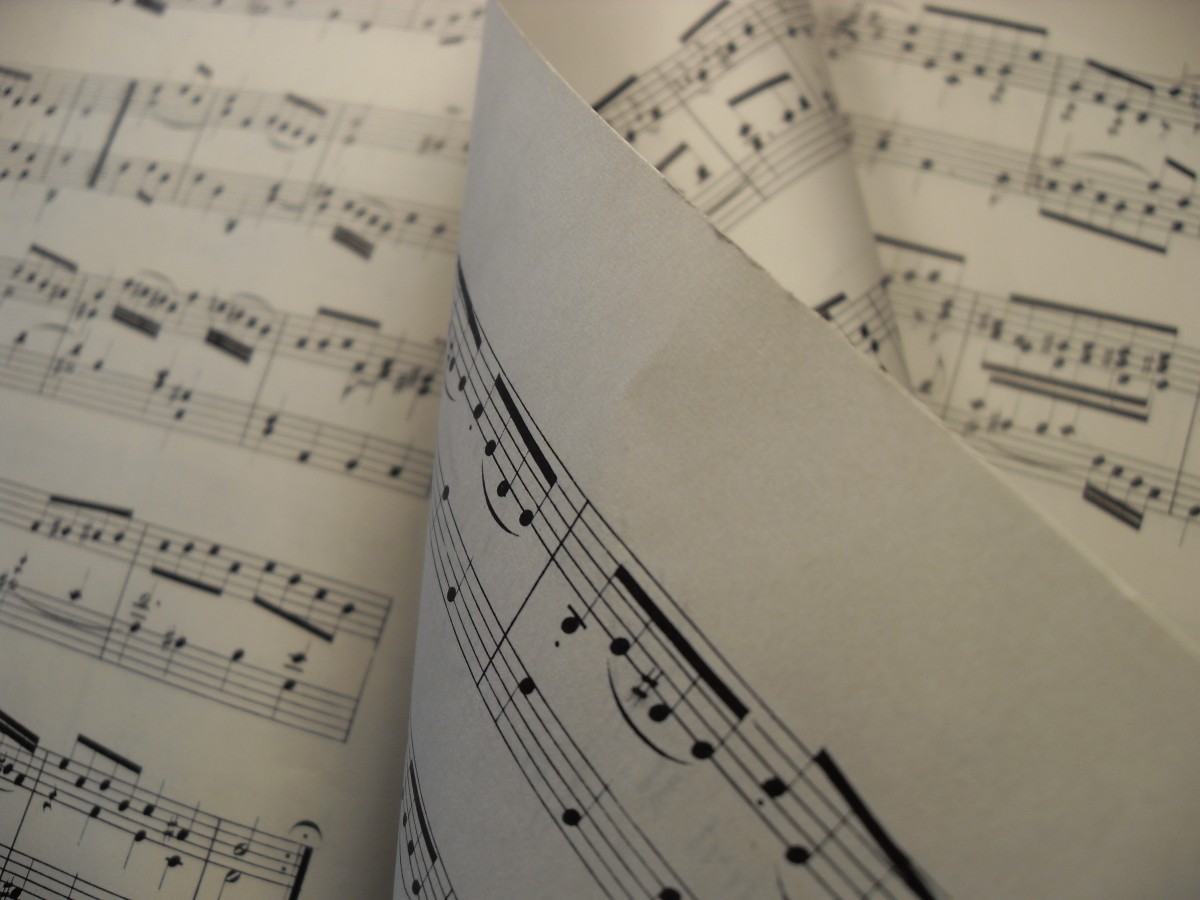
Creating professional music sheetsis essential for composers, educators, and performers alike. While many turn to graphical music notation software, there’s a growing appreciation for the power of LaTeX in creating precise and customizable music sheets. LaTeX, when combined with tools like LilyPond or MusixTeX, offers unmatched precision, especially for those who need full control over formatting, layout, and notation details.
In this article, we will explore how to create high-quality music sheets using LaTeX, from basic setup to advanced features, so you can produce professional music notation for any composition.
Why Use LaTeX For Music Sheets?
Precision And Customization
One of LaTeX’s most significant advantages is its ability to generate perfectly formatted, customizable documents. For music notation, this precision ensures that every note, articulation, and dynamic marking is placed exactly where you need it. LaTeX allows you to fine-tune every aspect of your music sheets, from staff size to page margins, which is particularly useful for complex scores.
Open-Source And Free
Unlike commercial notation software, LaTeX is open-source and free to use. Combined with music notation packages like LilyPond or MusixTeX, LaTeX provides an accessible option for musicians and composers without the need for expensive licenses or subscriptions. These tools also come with strong community support and extensive documentation, ensuring that anyone can start using them with ease.
Cross-Platform Compatibility
LaTeX works across multiple platforms, including Windows, macOS, and Linux, making it a versatile solution for users who switch between different operating systems. Once you’ve set up LaTeX on your system, it allows you to work seamlessly, regardless of the platform you’re using.
Getting Started With LaTeX For Music Sheets
Setting Up LaTeX
Before you can start creating music sheets with LaTeX, you’ll need to install it on your computer. LaTeX distributions such as TeX Live (for all platforms) or MiKTeX (for Windows) provide everything you need to get started. Here’s how to install LaTeX on your system:
2. For macOS and Linux: Install TeX Live via your package manager or from TeX Live's official website.
Choosing The Right Music Notation Package
To create music notation in LaTeX, you’ll need to use a music notation package. The two most popular options are LilyPond and MusixTeX. Here’s a quick overview of each:
· LilyPond: Known for producing beautiful, high-quality music notation. It focuses on engraving rules to create scores that look aesthetically pleasing and professional.
· MusixTeX: A TeX-based system for music notation that works directly within LaTeX. It is highly customizable but can be more complex for beginners.
o Learn more about MusixTeX
Both packages are excellent choices, and you can select one based on your specific needs. For this tutorial, we’ll focus on LilyPond due to its user-friendliness and quality output.
Creating Your First Music Sheet With LaTeX
Basic Music Notation In LaTeX
Once LaTeX and LilyPond are set up, you can begin writing your music sheet. Start by creating a LaTeX document with the correct structure, and embed music notation using LilyPond commands. Here’s an example of how to create a basic scale in LaTeX with LilyPond:
latex
Copy code
\documentclass{article}
\usepackage{lilypond}
\begin{document}
\begin{lilypond}
\relative c' {
c d e f g a b c
}
\end{lilypond}
\end{document}
This code will generate a simple C major scale. You can add this directly to your LaTeX document, compile it, and it will output a music sheet containing the scale.
Adding Dynamics, Articulations, And Symbols
LaTeX with LilyPond allows you to add more advanced elements like dynamics (forte, piano), articulations (staccato, legato), and musical symbols. Here’s an example of adding dynamics and articulations to your music sheet:
latex
Copy code
\begin{lilypond}
\relative c' {
\dynamic "p" c d e \dynamic "f" f g a \staccato b c
}
\end{lilypond}
This example demonstrates adding piano (p) dynamics at the start, followed by forte (f) dynamics, and using staccato for specific notes.
Formatting The Layout
To ensure your music sheet looks professional, LaTeX and LilyPond allow you to control the layout of the page. You can modify staff sizes, adjust margins, and add titles. Here’s an example of how to format the title and layout:
latex
Copy code
\begin{lilypond}
\version "2.18.2"
\header {
title = "My First Composition"
composer = "Your Name"
}
\layout {
indent = #0
}
\relative c' {
c d e f g a b c
}
\end{lilypond}
This code creates a music sheet with a title, composer’s name, and a well-formatted layout for easy reading.
Advanced LaTeX Features In Music Sheet Creation
Working With Multiple Voices And Polyphony
Creating polyphonic music with multiple voices can be done easily in LilyPond.
Here’s how to write multiple voices on the same staff:
\begin{lilypond}
<<
\new Voice = "voiceOne" { c'4 d e f }
\new Voice = "voiceTwo" { g4 f e d }
>>
\end{lilypond}
This code will display two voices playing simultaneously, a crucial technique for complex compositions, such as choral or orchestral scores.
Creating Custom Templates
Once you’ve established the basic structure for your music sheets, you can create custom templates that you can reuse for future compositions. Save your settings for titles, staff size, margins, and dynamic markings into a template file that can be quickly modified for new projects.
\documentclass{article}
\usepackage{lilypond}
\newcommand{\mytemplate}{
\header {
title = "Custom Template Title"
composer = "Your Name"
}
\layout {
indent = #0
}
}
\begin{document}
\begin{lilypond}
\mytemplate
\relative c' { c d e f g a b c }
\end{lilypond}
\end{document}
With this template, you can easily create consistent music sheets with minimal effort.
Common Challenges And How To Overcome Them
Debugging LaTeX Code For Music Notation
When working with LaTeX and music notation packages, it’s not uncommon to encounter errors. Here are a few tips for troubleshooting:
· Check for missing brackets or commands. LaTeX is sensitive to syntax, so ensure all your commands are closed correctly.
· Compile regularly. Don’t wait until your music sheet is complete to compile; compiling frequently allows you to catch errors early.
· Use the LaTeX log file. If you encounter an error, consult the log file generated during compilation for clues on how to resolve it.
Fine-Tuning Output For Print And Digital Formats
If you’re creating music sheets for print or digital use, LaTeX allows you to fine-tune the output to ensure the best results. For print, adjust margins and ensure proper PDF export. For digital formats, ensure compatibility by exporting your document in high-resolution PDF or converting it to a format like MusicXML for further editing in other programs.
Frequently Asked Questions About Creating Music Sheets With LaTeX
What Is The Best Music Notation Package For LaTeX?
The two most popular music notation packages are LilyPond and MusixTeX. LilyPond is ideal for users who want high-quality visual output with a simple syntax, while MusixTeX offers greater customization for complex projects.
Can I Use LaTeX For Complex Orchestral Scores?
Yes, LaTeX can handle complex orchestral scores using packages like LilyPond or MusixTeX, which support multiple staves, polyphony, and advanced notation features.
Is LaTeX Hard To Learn For Music Notation?
While there is a learning curve, especially for beginners, LaTeX becomes easier with practice. Many users find that the customization and precision offered by LaTeX outweigh the initial challenge of learning the syntax.
How Do I Include Lyrics With The Music Sheets In LaTeX?
You can add lyrics to your music sheets by using LilyPond’s built-in lyric commands.
Can I Export LaTeX Music Sheets To Other Formats?
Yes, you can export LaTeX music sheets to other formats such as PDF and MusicXML. For MIDI or playback, LilyPond offers built-in commands to generate MIDI files from your score.
Quick Recap: How To Create Music Sheets With LaTeX
LaTeX provides a powerful, customizable platform for creating high-quality music sheets, offering benefits in precision, layout control, and cross-platform compatibility. By setting up LaTeX and integrating music notation packages like LilyPond or MusixTeX, musicians can create beautiful and professional music scores. From adding dynamics to formatting complex polyphony, LaTeX offers a wide range of features to suit both beginner and advanced users. Whether you’re composing for print or digital formats, LaTeX is a versatile tool that can meet your needs.
Jump to
Why Use LaTeX For Music Sheets?
Getting Started With LaTeX For Music Sheets
Creating Your First Music Sheet With LaTeX
Advanced LaTeX Features In Music Sheet Creation
Common Challenges And How To Overcome Them
Frequently Asked Questions About Creating Music Sheets With LaTeX
Quick Recap: How To Create Music Sheets With LaTeX
Latest Articles
Popular Articles