
Solo piano practice has its place, but there is something entirely different about playing with other people. That transformation from a solo activity into a shared experience mirrors one of the biggest reasons behind the popularity of online gamingmore broadly.
The stakes feel real. Whether you are harmonizing with a stranger across the world, racing a friend through a piece you both know, or taking turns improvising over a shared chord progression, multiplayer piano gamesturn a solitary instrument into a social experience.
The problem is finding the good ones. Search for multiplayer pianogames, and you will find a mix of polished platforms, half-finished browser tools, and apps that claim to be multiplayer but offer little more than a shared leaderboard. This list cuts through that noise and organizes categories based on what kind of social experience each one actually delivers.
What You Will Learn
- The difference between true real-time multiplayer and asynchronous leaderboard apps.
- Which platforms offer private rooms, MIDI support, and browser access without downloads?
- The best options across four honest categories: real-time, competitive, collaborative, and party.
- How each tool was tested and what to look for when evaluating new options.
- Which games are free, and which require a subscription or purchase?
True Real-Time Multiplayer Piano
These are platforms where two or more players play simultaneously, hear each other in real time, and interact musically as it happens. This is the strictest definition of multiplayer, and every tool in this section meets it.
1. Multiplayer Piano: The Original Browser Piano Jam
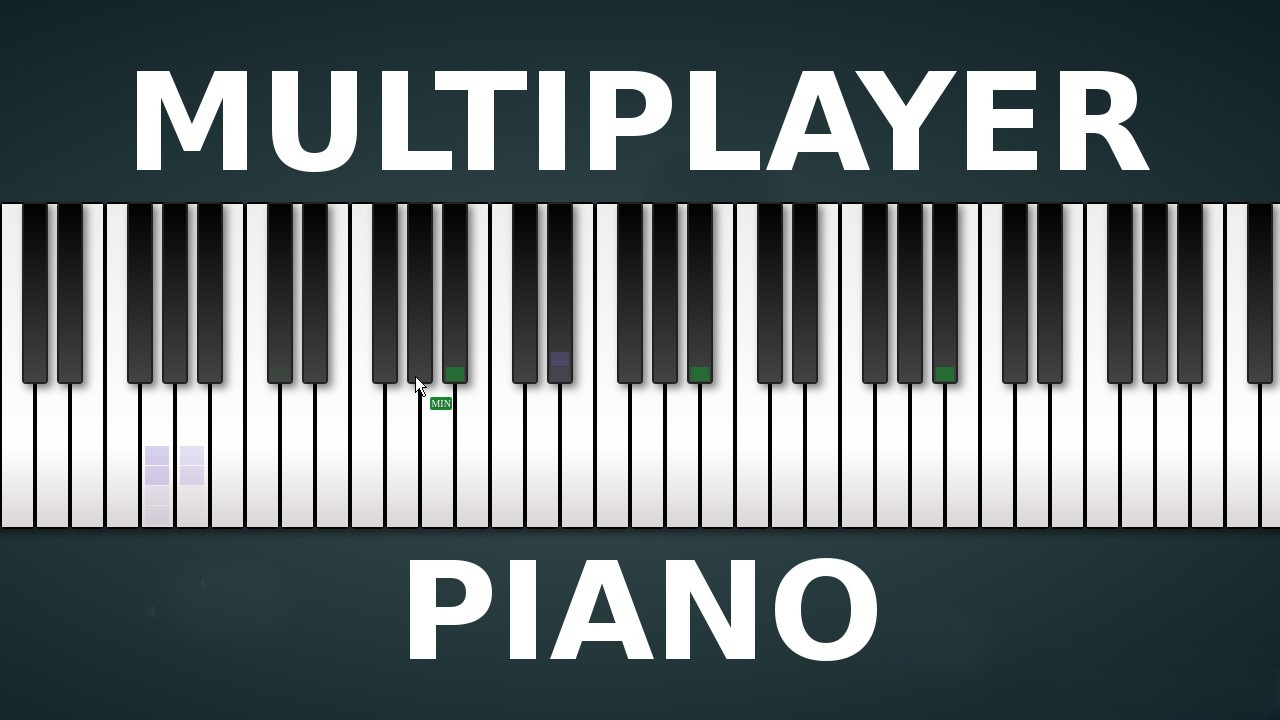
Multiplayer Pianois a browser-based piano where players from anywhere in the world join rooms and play simultaneously. You see other players' cursors moving across the keys in real time and hear the combined output of everyone playing at once. Rooms range from open public spaces to smaller, invite-only sessions.
The experience varies wildly depending on who is in the room. Some rooms produce genuinely musical improvisation; others are pure chaos. Both have value. It remains the fastest zero-barrier entry point into real-time multiplayer piano available anywhere.
- Platform:Browser
- Price:Free
- MIDI Support:Yes, via Web MIDI API in Chrome
- Private Rooms:Yes
- Real-Time:Yes
- Best for:Instant free-form jamming with no setup or account required
- Tested:Confirmed real-time play, MIDI input, and private room functionality
2. Piano With Others: Real-Time Shared Playing With More Control
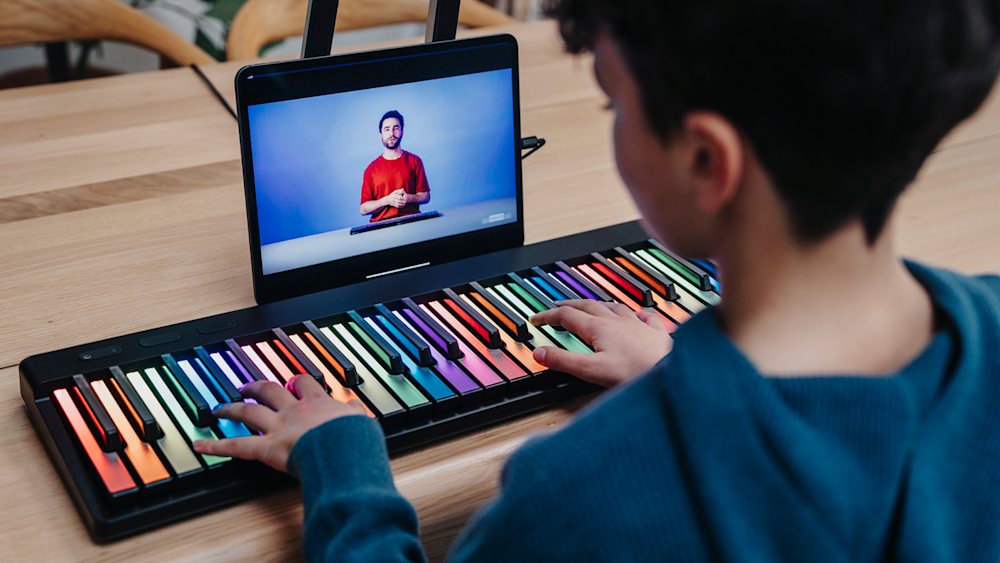
Piano With Others is built specifically around real-time shared piano with cleaner room management than Multiplayer Piano offers. Players create or join rooms, set permissions for who can play, and control the collaborative environment more deliberately.
The ability to create a private room and share a link makes it well-suited for online lessons and friend sessions. Sound quality is good for a browser tool, and the interface is noticeably less chaotic than fully open public platforms.
- Platform:Browser
- Price:Free
- MIDI Support:Yes
- Private Rooms:Yes
- Real-Time:Yes
- Best for:Private real-time sessions between friends, students, and teachers
- Tested:Confirmed real-time functionality and private room access
3. ButtonBass Jam Room: Browser Jam With Scale Lock And Chord Tools
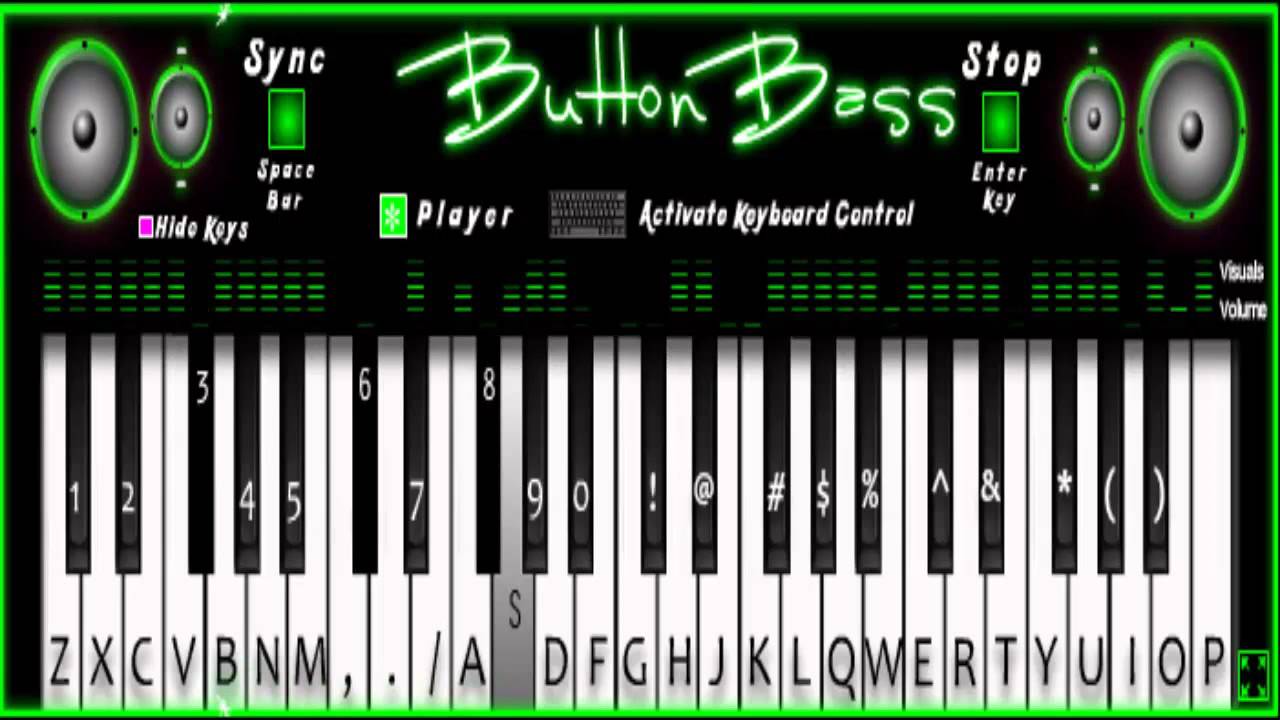
ButtonBass Jam Room is a free browser-based multiplayer platform that broadcasts live note input to all players in a shared room in real time. It requires no sign-up and supports both global public rooms and private sessions accessible via a shared link.
What distinguishes it from similar tools is its built-in scale lock and chord tools, which constrain what notes can be played to a selected key or chord. This prevents the atonal collisions that plague fully open jam platforms and makes real-time group playing sound noticeably more musical, even when participants have limited experience.
- Platform:Browser
- Price:Free
- MIDI Support:Yes
- Private Rooms:Yes
- Real-Time:Yes
- Best for:Group jamming with musical guardrails, classroom use, beginners playing together
- Tested:Confirmed real-time broadcast, scale lock functionality, and private room access
4. LivePlay: Private Real-Time Sessions With Video And MIDI
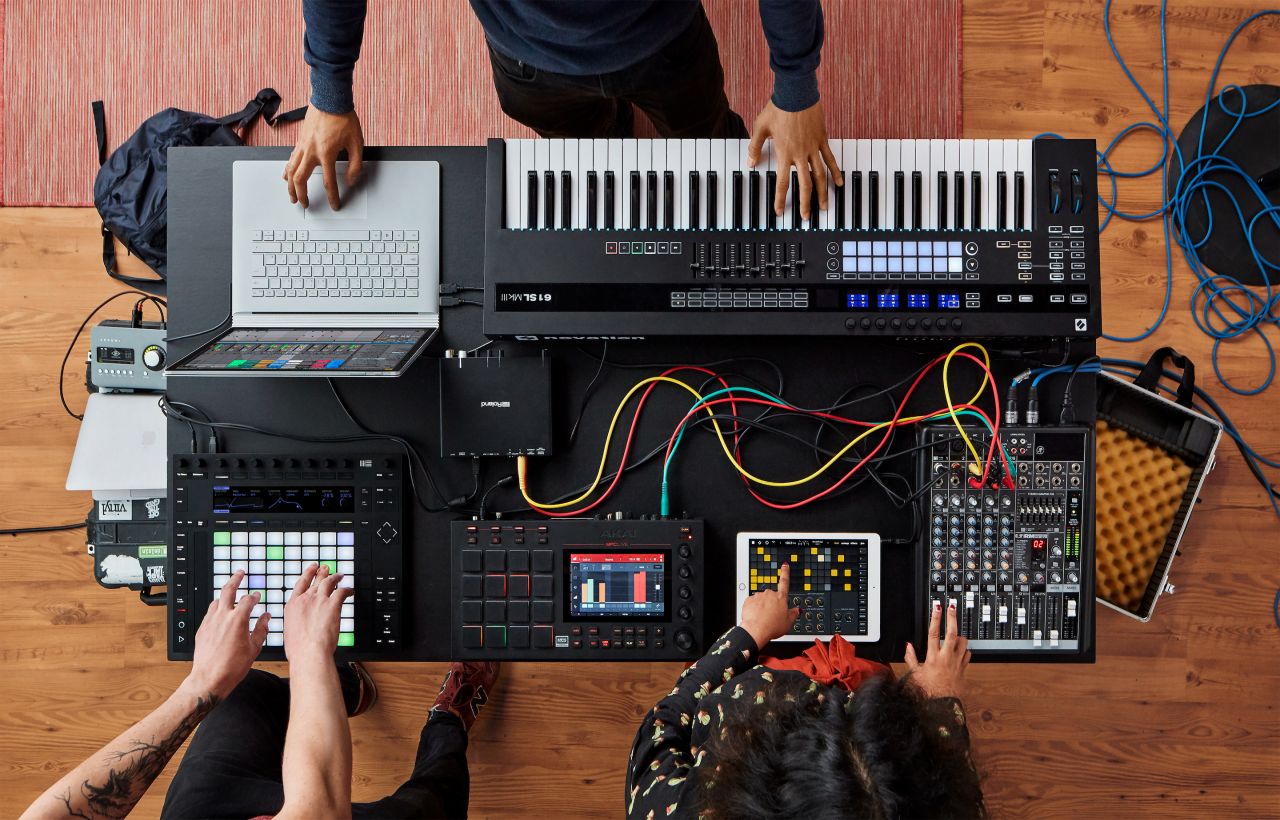
LivePlay offers private real-time piano sessions that combine a shared piano interface with video chat and MIDI keyboard support. The platform is designed specifically for the use case of playing together remotely, with session quality optimised around minimising the latency that makes simultaneous playing difficult in standard browser tools.
The combination of video and shared piano in a single interface makes it particularly strong for online lessons and structured practice sessions where seeing the other player matters as much as hearing them. Private sessions are the platform's primary design rather than an afterthought.
- Platform:Browser
- Price:Free with paid tiers
- MIDI Support:Yes
- Private Rooms:Yes, private sessions by design
- Real-Time:Yes
- Best for:Online lessons, teacher-student sessions, remote practice with a partner
- Tested:Confirmed real-time play, MIDI recognition, and video functionality
5. PianoNet: Real-Time Collaborative Piano With Friends
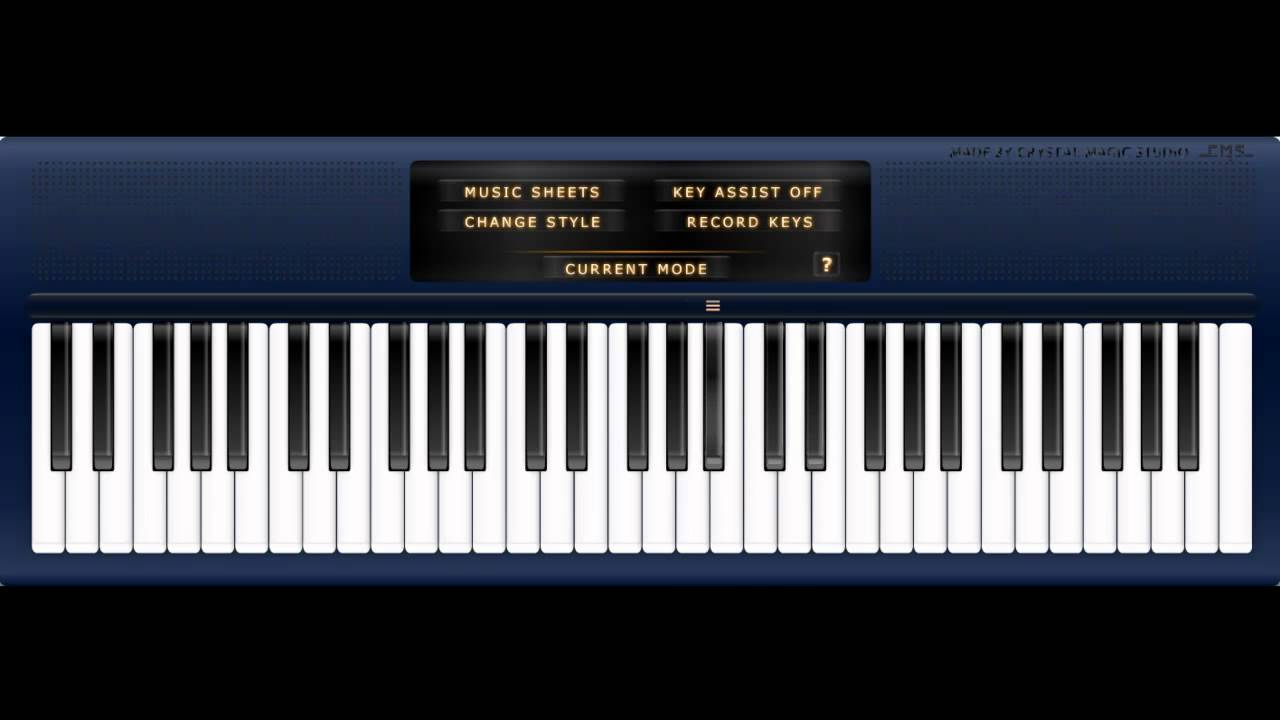
Virtual Piano - Schubert: Ave Maria
PianoNet is positioned explicitly around the experience of playing piano online with friends in real time. The platform supports MIDI keyboardinput, allows multiple players to share a virtual piano simultaneously, and provides room controls for managing who can play at any given moment.
The interface is cleaner than many browser-based alternatives, and the platform's specific focus on friend sessions rather than open public rooms gives it a more intentional social design. It is one of the few tools in this category built with the friend-group use case as its primary audience.
- Platform:Browser
- Price:Free
- MIDI Support:Yes
- Private Rooms:Yes
- Real-Time:Yes
- Best for:Playing piano online with a specific group of friends
- Tested:Confirmed real-time functionality and MIDI support
6. Pianco: Virtual Piano With Multiplayer And MIDI
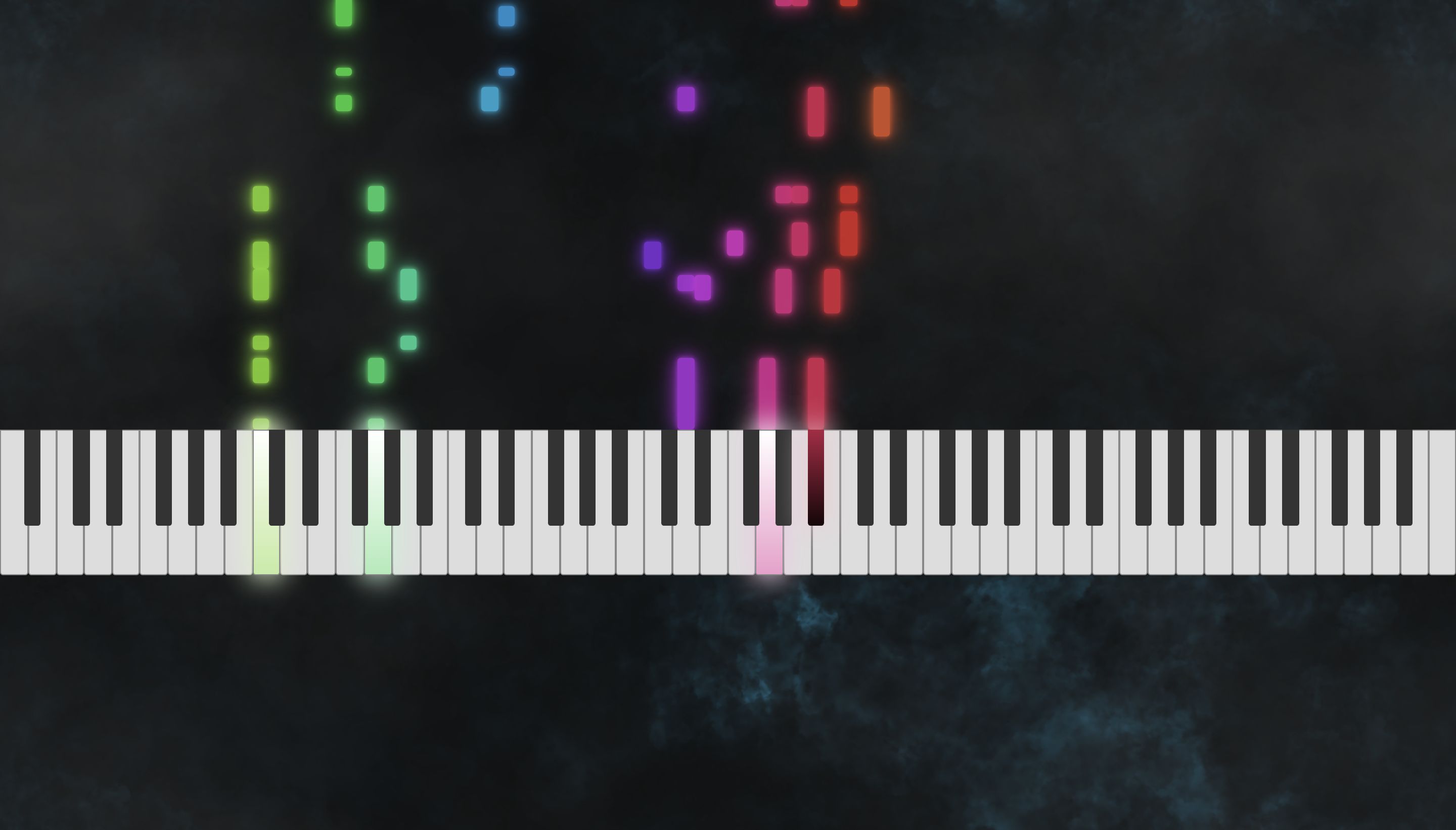
Pianco is a virtual piano platform with a multiplayer mode that allows players to share a piano space in real time. MIDI keyboard input is supported, and the interface is accessible enough for players with no prior experience with browser-based piano tools.
The multiplayer functionality is straightforward rather than feature-rich, which suits players who want a clean shared playing experience without the additional complexity of room permissions, score tracking, or structured lessons.
- Platform:Browser
- Price:Free
- MIDI Support:Yes
- Private Rooms:Yes
- Real-Time:Yes
- Best for:Simple real-time shared playing with MIDI keyboard support
- Tested:Confirmed real-time play and MIDI recognition
7. Pianoverse: 88-Key Virtual Piano With Low Latency
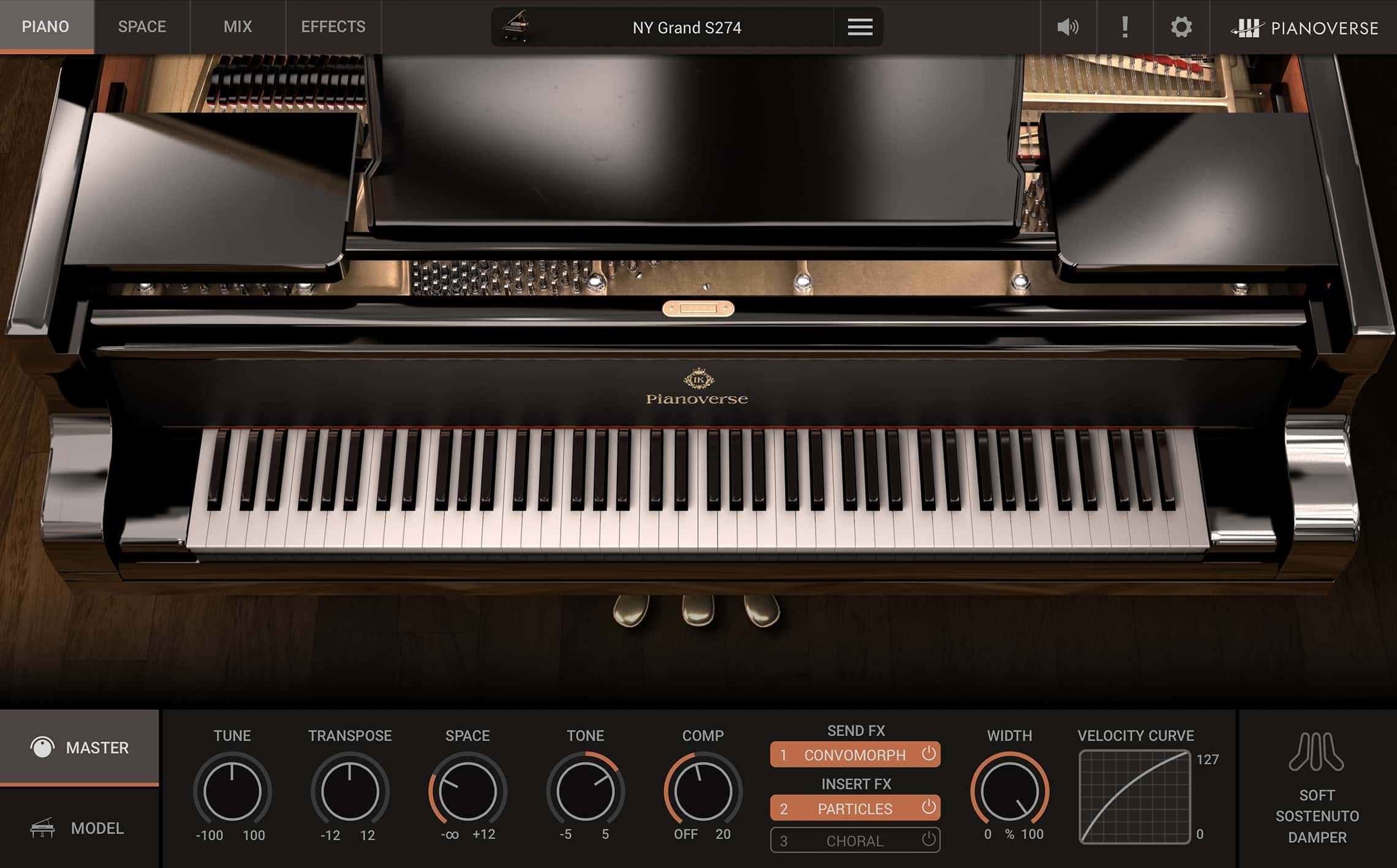
Pianoverse offers a full 88-key virtual pianoexperience in a multiplayer environment with MIDI support and a design emphasis on low latency. The platform is built around the specific goal of making online piano playing feel as close to playing together in person as browser-based technology allows.
The full 88-key range is a meaningful distinction from tools that offer a reduced keyboard. For pianistswho play music that requires the full range of the instrument, this makes Pianoverse one of the more complete options in the real-time category.
- Platform:Browser
- Price:Free
- MIDI Support:Yes
- Private Rooms:Yes
- Real-Time:Yes
- Best for:Pianists who need a full-range instrument in a real-time multiplayer environment
- Tested:Confirmed 88-key range, MIDI input, and real-time play
8. CloudPiano: Real-Time MIDI Piano With Video Chat
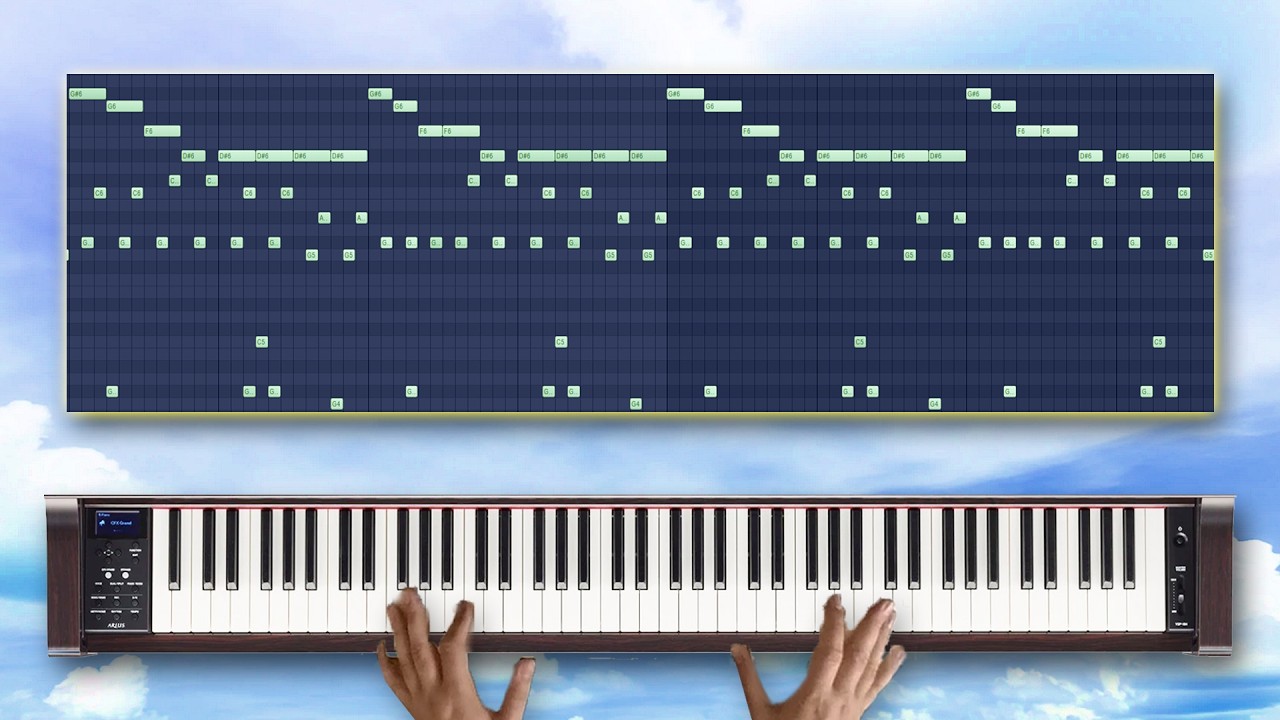
Creating Emotional Music with Cloud Piano: A Plugin Showcase
CloudPiano combines a real-time MIDI piano interface with integrated video chat, making it one of the most complete remote playing environments in this category. The platform is designed with teaching and collaborative practice as its primary use cases, and the combination of video and MIDI-accurate piano in a single window reflects that focus.
Latency management is a deliberate part of the platform's design rather than an afterthought. For pianists who have tried other browser-based real-time tools and found the delay too disruptive for meaningful musical interaction, CloudPiano is worth testing as a more purpose-built alternative.
- Platform:Browser
- Price:Free with paid tiers
- MIDI Support:Yes
- Private Rooms:Yes
- Real-Time:Yes
- Best for:Remote piano teaching and collaborative practice sessions with video
- Tested:Confirmed real-time play, MIDI input, and video chat functionality
9. JamKazam: Low-Latency Live Sessions With Real Instruments
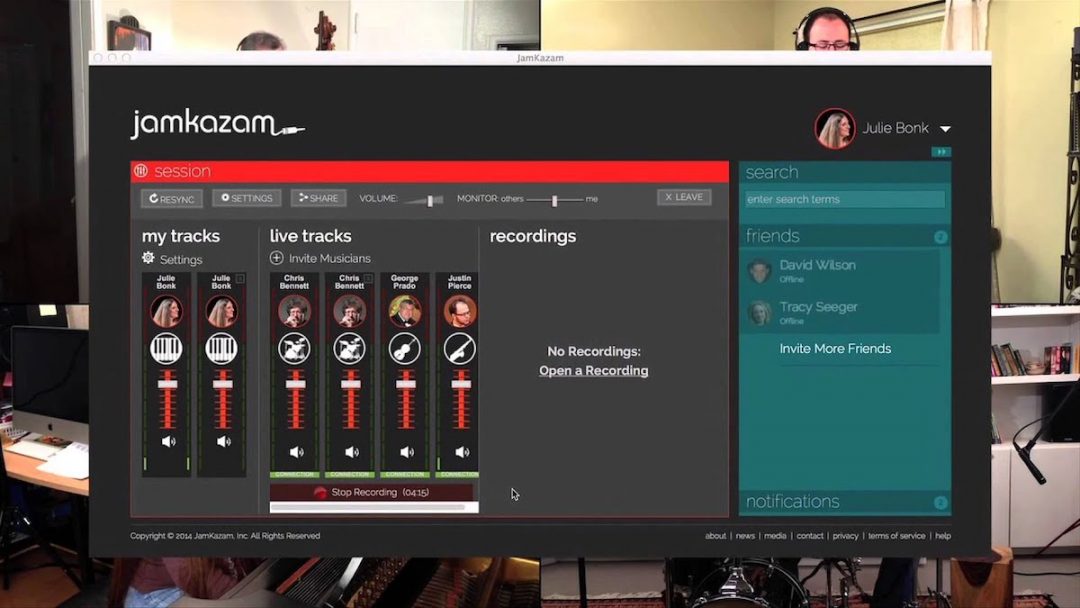
JamKazam is a platform built specifically for musicians who want to play together online in real time with the lowest possible latency. Unlike browser-based tools, it uses dedicated audio routing technology and requires a compatible audio interface setup to achieve near-room-quality simultaneous playing.
The setup investment is higher than any other tool on this list. A download is required, and an audio interface is strongly recommended. For serious musicians who want real-time online sessions that actually feel like playing together, that investment is justified by the quality of the experience it delivers.
- Platform:PC, Mac
- Price:Free with paid tiers
- MIDI Support:Yes
- Private Rooms:Yes
- Real-Time:Yes
- Best for:Serious musicians who need professional-grade low-latency real-time sessions
- Tested:Confirmed real-time functionality and MIDI support in
10. Chrome Music Lab Shared Piano: Creative Real-Time Multiplayer For All Ages
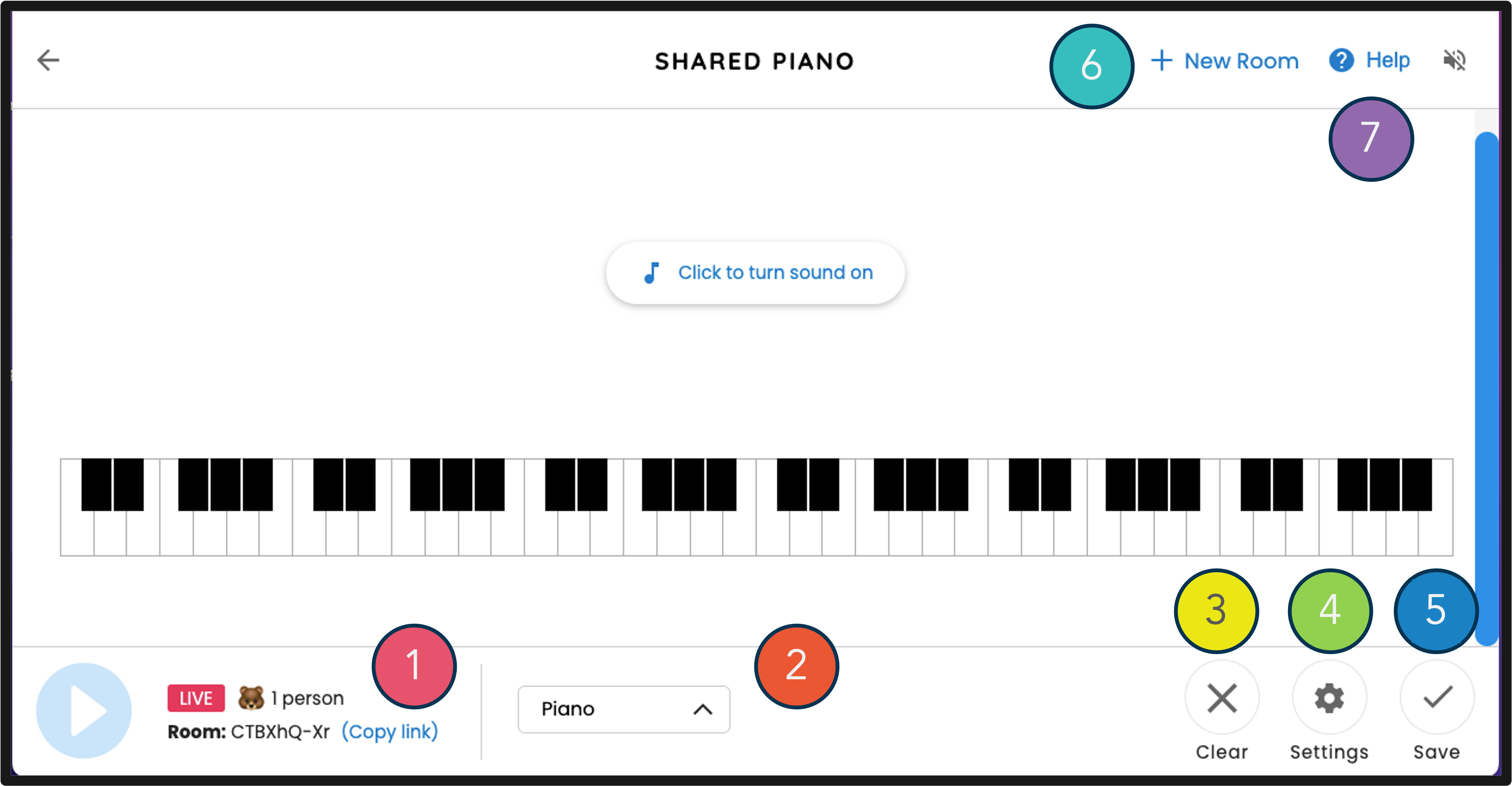
Chrome Music Lab's Shared Pianoallows multiple users to play a shared virtual piano in real time using a simple, colourful interface designed to be accessible at any age and skill level. Each player's notes appear in a different colour, making it visually clear who is contributing what to the shared output.
There are no wrong answers, no failure states, and no competitive pressure. It was designed as an educational tool, and that origin shows in how welcoming it feels from the very first note. It is one of the few tools in this category that works equally well for a five-year-old and a music teacher running a group session.
- Platform:Browser
- Price:Free
- MIDI Support:Yes, via Web MIDI API in Chrome
- Private Rooms:Yes, via shared session link
- Real-Time:Yes
- Best for:Classrooms, younger players, and low-pressure group creativity
- Tested:Confirmed real-time play, colour-coded input, and session sharing
Asynchronous Competitive And Leaderboard Apps
These platforms are not real-time multiplayer in the strict sense. Players compete against each other's recorded scores, challenge each other on the same content, or climb shared leaderboards. The social element is genuine and motivating, but the interaction is not simultaneous. Knowing the difference helps you choose the right tool for the right goal.
11. Piano Tiles 2: Fast, Addictive, And Ruthlessly Competitive
Piano Tiles 2 is one of the most downloaded mobile piano gamesever made, and its multiplayer mode has players racing through the same tile sequence in real time on mobile, tapping black tiles to play recognizable melodies while competing for the highest score.
The gameplay is simple enough to explain in thirty seconds and difficult enough to sustain genuine competition. Speed and accuracy both matter, and the gap between an average run and a great one is small enough that matches feel consistently close.
- Platform:iOS, Android
- Price:Free
- MIDI Support:No
- Private Rooms:No
- Real-Time:Mobile head-to-head available
- Best for:Casual competitive players on mobile who want quick sessions
12. Playground Sessions: Competitive Learning With Real Stakes
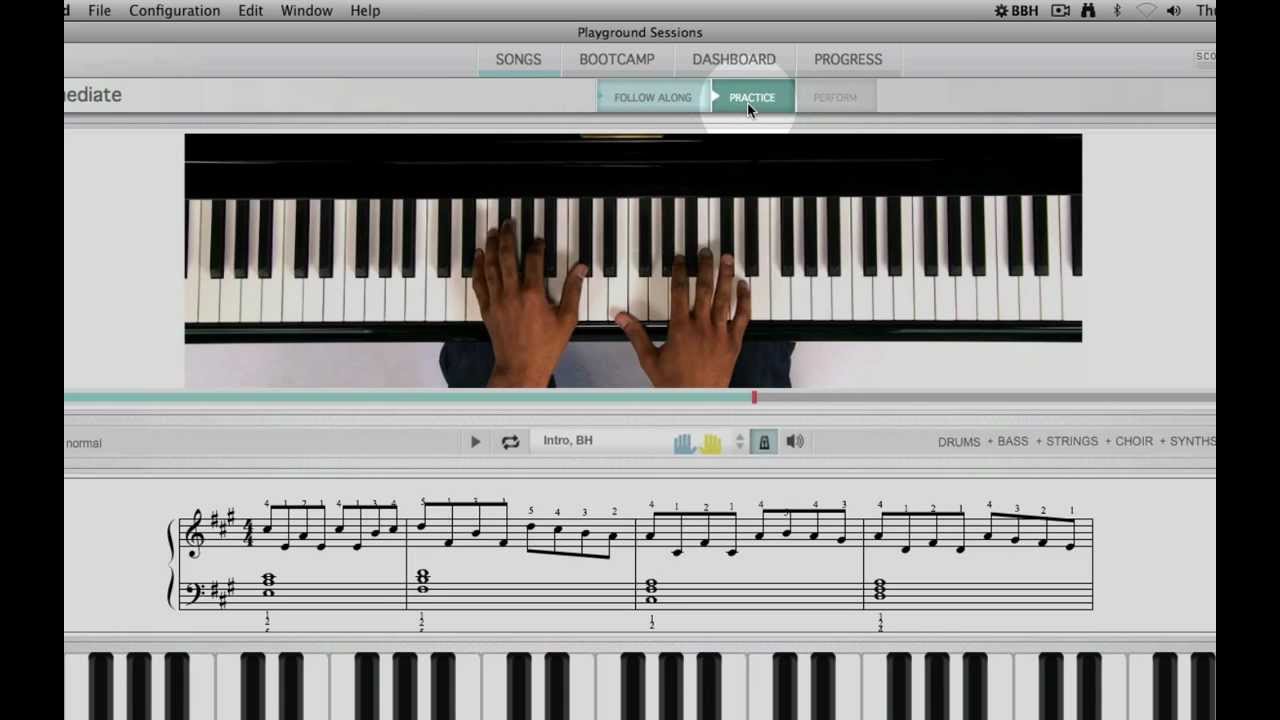
Playground Sessions tracks scores on every song and lesson and displays them on leaderboards that other users can see and challenge. Its competitive elements are woven into the learning structure rather than added on afterward, which makes the motivation feel connected to actual musical progress.
When another user has a higher score on a song you have been working on, the platform makes that visible and gives you the tools to close the gap. That specific dynamic creates a motivation loop that straightforward practice tools rarely replicate.
- Platform:PC, Mac
- Price:Subscription
- MIDI Support:Yes
- Private Rooms:No
- Real-Time:Asynchronous leaderboard
- Best for:Players motivated by visible competitive ranking within a learning curriculum
13. Piano Marvel: The Most Detailed Competitive Practice Platform

Learn, Practice & Play Piano with Piano Marvel!
Piano Marvel's competitive dimension is built around its accuracy and timing measurement system, which is among the most precise in any piano learning platform. Players compare scores on the same pieces and track relative progress across an extensive library of graded repertoire.
The platform measures not just whether you hit the right note but how accurately you hit it in time. Two players working through the same graded piece get a genuinely meaningful picture of where their playing stands relative to each other.
- Platform:Browser, PC
- Price:Subscription
- MIDI Support:Yes
- Private Rooms:No
- Real-Time:Asynchronous competitive scoring
- Best for:Serious learners who want measurable skill comparison with other players
14. Simply Piano: Cooperative Learning For Two
Simply Piano's cooperative mode allows two players to work through the same lesson curriculum together, with the app tracking both players' progress and providing feedback on each part simultaneously. It is designed for teacher-student or parent-child dynamics where one more experienced player guides another.
The visual feedback system is clear enough that a complete beginner can follow along without explanation. The song library spans classical, pop, and contemporary music, and the subscription cost is reasonable for the depth of content it provides.
- Platform:iOS, Android
- Price:Subscription
- MIDI Support:Yes
- Private Rooms:Not applicable, paired session model
- Real-Time:Cooperative shared session
- Best for:Parent-child or teacher-student cooperative learning
15. Flowkey: Social Progress Sharing And Duet Learning
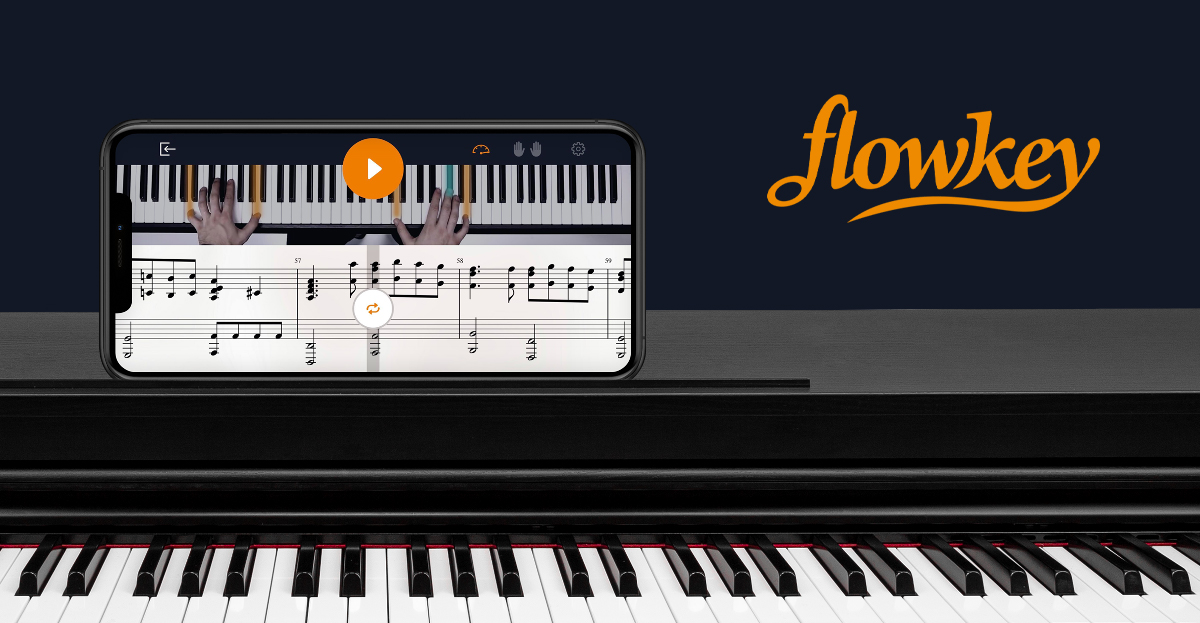
Flowkey does not have a formal head-to-head mode, but its social features let players follow each other's progress, share completions, and work through the same pieces simultaneously from different locations. Two people choosing the same song to learn and racing to complete it creates a loose but genuinely motivating form of shared progress.
MIDI keyboard support is solid, the interface is among the cleanest of any piano learning platform, and the free trial is generous enough to evaluate the social dynamic before committing to a subscription.
- Platform:Browser, iOS, Android
- Price:Subscription
- MIDI Support:Yes
- Private Rooms:No
- Real-Time:Asynchronous social progress
- Best for:Friends or learners who prefer shared goals over direct competition
16. Synthesia: Visual Challenges And Score Sharing
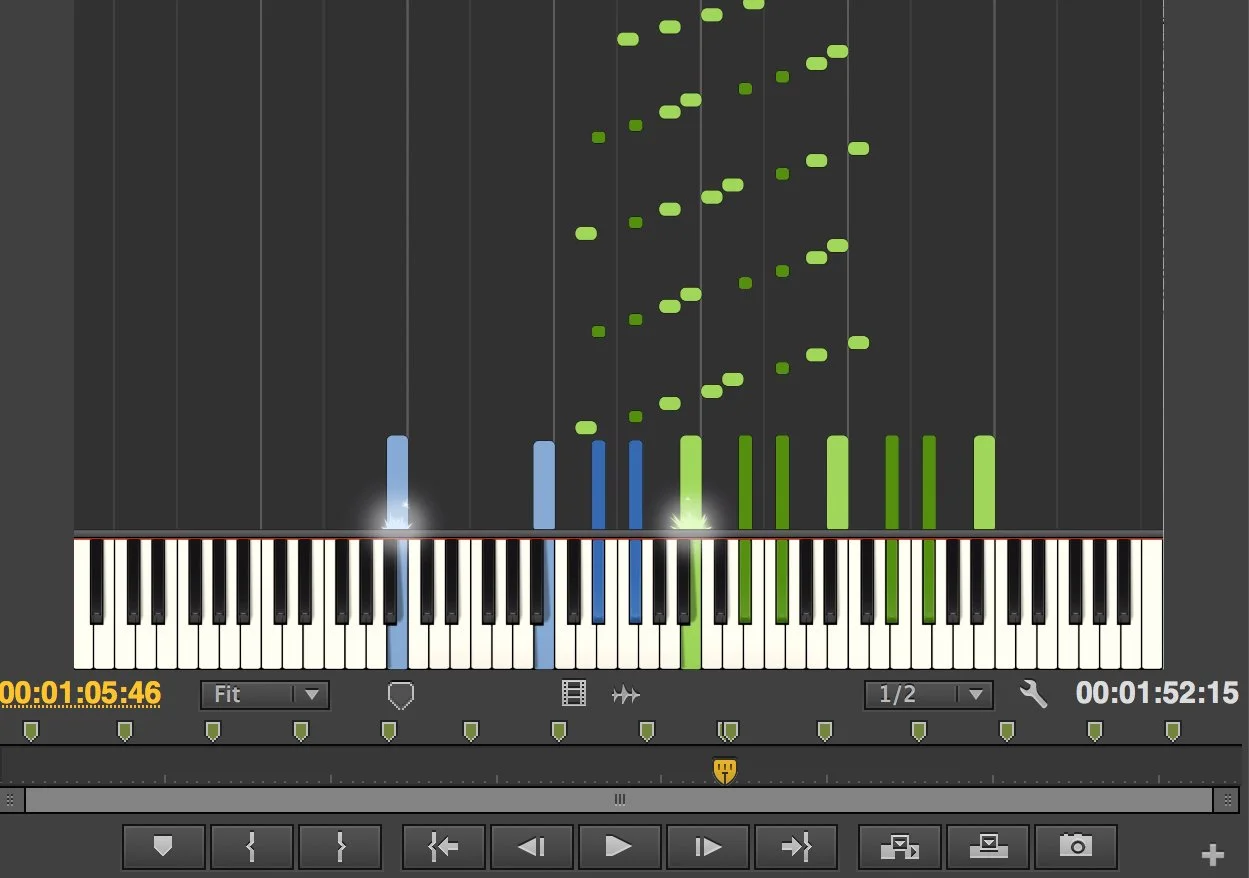
Synthesia's falling-note format is familiar to anyone who has spent time in piano gaming communities. Its challenge system lets players set a score on a song and send it to another player as a direct invitation to beat it. Score sharing and community challenges are the core social mechanics.
The free version covers basic functionality, while the paid version unlocks the full song library and additional challenge features. MIDI support is comprehensive, and both PC and Mac versions are stable and regularly updated.
- Platform:PC, Mac
- Price:Free/Paid
- MIDI Support:Yes
- Private Rooms:No
- Real-Time:Asynchronous challenges
- Best for:Visual learners who want social score challenges without formal lessons
17. Yousician: Structured Learning With Weekly Leaderboards

Yousician is a structured music learning platform with weekly leaderboards where players compete against others at the same skill level worldwide. Points earned from completing lessons and challenges feed into rankings that reset weekly, keeping the competitive dynamic fresh.
The platform's piano path progresses logically from beginner to advanced. Players can post achievements, follow other learners, and participate in community challenges alongside their structured lesson work.
- Platform:PC, Mac, iOS, Android
- Price:Free with a premium subscription
- MIDI Support:Yes
- Private Rooms:No
- Real-Time:Asynchronous leaderboard
- Best for:Learners who want structured progression with community accountability
18. Magic Piano By Smule: Social Performance And Global Rankings

Magic Piano presents songs as streams of glowing orbs that players tap in time with the music, competing on global leaderboards and watching each other's recorded performances. The social layer is strong: you can challenge specific users, comment on performances, and follow players whose style you admire.
The platform leans toward performance and social showmanship rather than pure competition, giving it a different energy from score-focused games. Players who enjoy being seen as much as playing will find the audience features particularly engaging.
- Platform:iOS, Android
- Price:Free with subscription tier
- MIDI Support:No
- Private Rooms:No
- Real-Time:Asynchronous performance sharing
- Best for:Players who want a social performance audience alongside leaderboard competition
19. PianoGlow: Falling Notes With Leaderboards And Training Mode
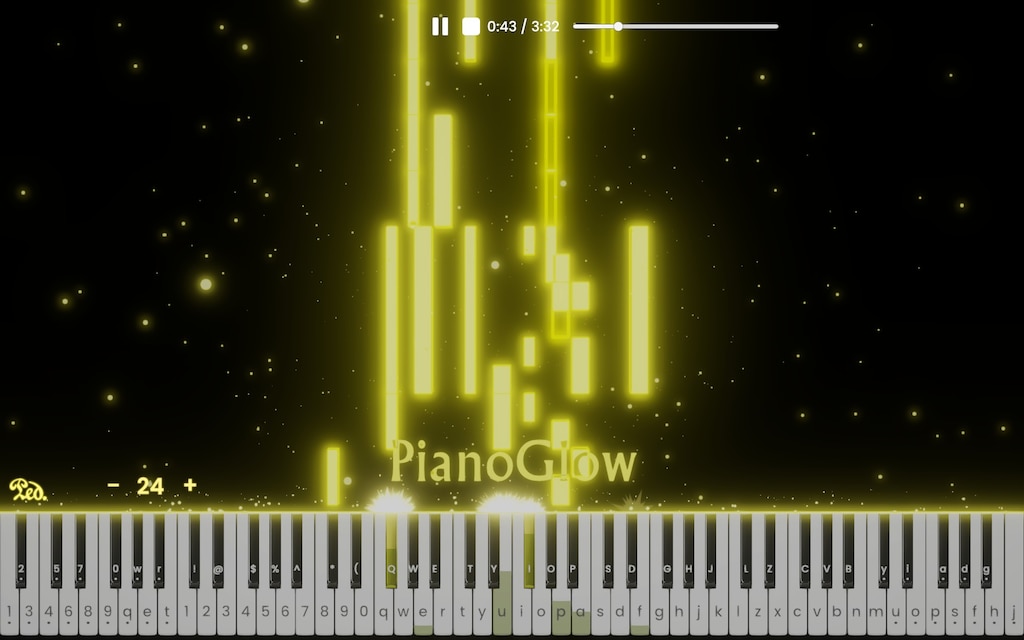
PianoGlow is a newer multiplayer piano game built around falling-note gameplay with leaderboards, a training mode, and support for both QWERTY keyboard and real piano input via MIDI. The game tracks accuracy and timing and displays results on leaderboards where players can compare scores on the same songs.
The dual input support, accepting both a real piano and a computer keyboard, makes it accessible to players at different stages of their musical development. The training mode provides structured repetition before competitive scoring begins, which lowers the barrier to meaningful participation for less experienced players.
- Platform:Browser
- Price:Free
- MIDI Support:Yes
- Private Rooms:No
- Real-Time:Asynchronous leaderboard with training mode
- Best for:Players who want falling-note gameplay with genuine skill tracking and score comparison
20. Piano Battle: Head-to-Head Classical Duels

Piano Battle is a mobile game built entirely around real-time competitive piano duels using classical music. Two players face off on the same piece simultaneously, each trying to play more accurately and cleanly than the other. Difficulty is matched to skill level.
What sets it apart from other competitive piano games is its focus on musical quality rather than pure speed. Accuracy and expression both count, making it one of the few competitive mobile piano games that rewards actual playing technique.
- Platform:iOS, Android
- Price:Free with paid content
- MIDI Support:Yes
- Private Rooms:Yes, via direct challenge
- Real-Time:Yes
- Best for:Classical piano players who want skill-based competitive play
Read Also: Creative Piano Exercises
Collaborative Creation And Notation Tools
These platforms are not designed for real-time piano playing in the performance sense. They are built for creating music together: recording parts, composing scores, and building arrangements collaboratively. The piano is the primary input instrument, but the output is a finished musical product rather than a shared playing session.
21. BandLab: Record Piano Parts Together Online

BandLab is a free online digital audio workstation that allows multiple users to collaborate on the same recording project in real time. Users record piano parts using MIDI keyboardsor the on-screen keyboard, layer them over instruments from collaborators, and build complete tracks together from different locations.
It is free for the core functionality, works in a browser without download, and has iOS and Android apps for mobile recording. For players interested in using piano skills as part of a broader collaborative music creation process, BandLab provides more genuine creative depth than any other free tool in this category.
- Platform:Browser, iOS, Android
- Price:Free
- MIDI Support:Yes
- Private Rooms:Yes, project-based collaboration
- Real-Time:Collaborative recording, not simultaneous performance
- Best for:Collaborative music production and multi-instrument recording
22. Flat.io: Collaborative Sheet Music Composition
Flat.io is a browser-based music notation platform that supports real-time collaborative editing of sheet music. Multiple users work on the same score simultaneously, adding notes, editing arrangements, and building compositions together in a shared environment similar to Google Docs but for music notation.
The free tier covers basic collaboration for small projects, while paid plans unlock unlimited collaborators and advanced notation features. For piano students working on theory exercises or composers building arrangements together, Flat.io offers a genuinely unique and well-implemented experience.
- Platform:Browser
- Price:Free/Paid
- MIDI Support:Yes
- Private Rooms:Yes, project-based
- Real-Time:Collaborative notation editing
- Best for:Collaborative sheet music composition and music theory work
23. MuseScore: Community Scores And Collaborative Notation

MuseScore combines professional-quality notation software with a large community platform where users share, edit, and collaborate on scores. Its library of piano arrangements is one of the largest freely accessible collections of sheet music available anywhere online.
The free desktop software is genuinely professional in quality. Premium subscriptions unlock offline access to the full library and additional collaboration features. For students and teachers sharing and adapting scores, it is the most feature-complete free option in this category.
- Platform:Browser, PC, Mac
- Price:Free/Paid
- MIDI Support:Yes
- Private Rooms:Community and project-based sharing
- Real-Time:Asynchronous collaborative notation
- Best for:Students and teachers sharing, adapting, and building on existing scores
Music Party And Adjacent Picks
These tools incorporate piano or keyboard elements within a broader social or party game context. They are not dedicated piano platforms, and most do not require musical skill to enjoy. They are included because they represent a genuinely distinct and legitimate reason to search for multiplayer piano experiences.
24. Jackbox Party Games: Piano In A Party Setting
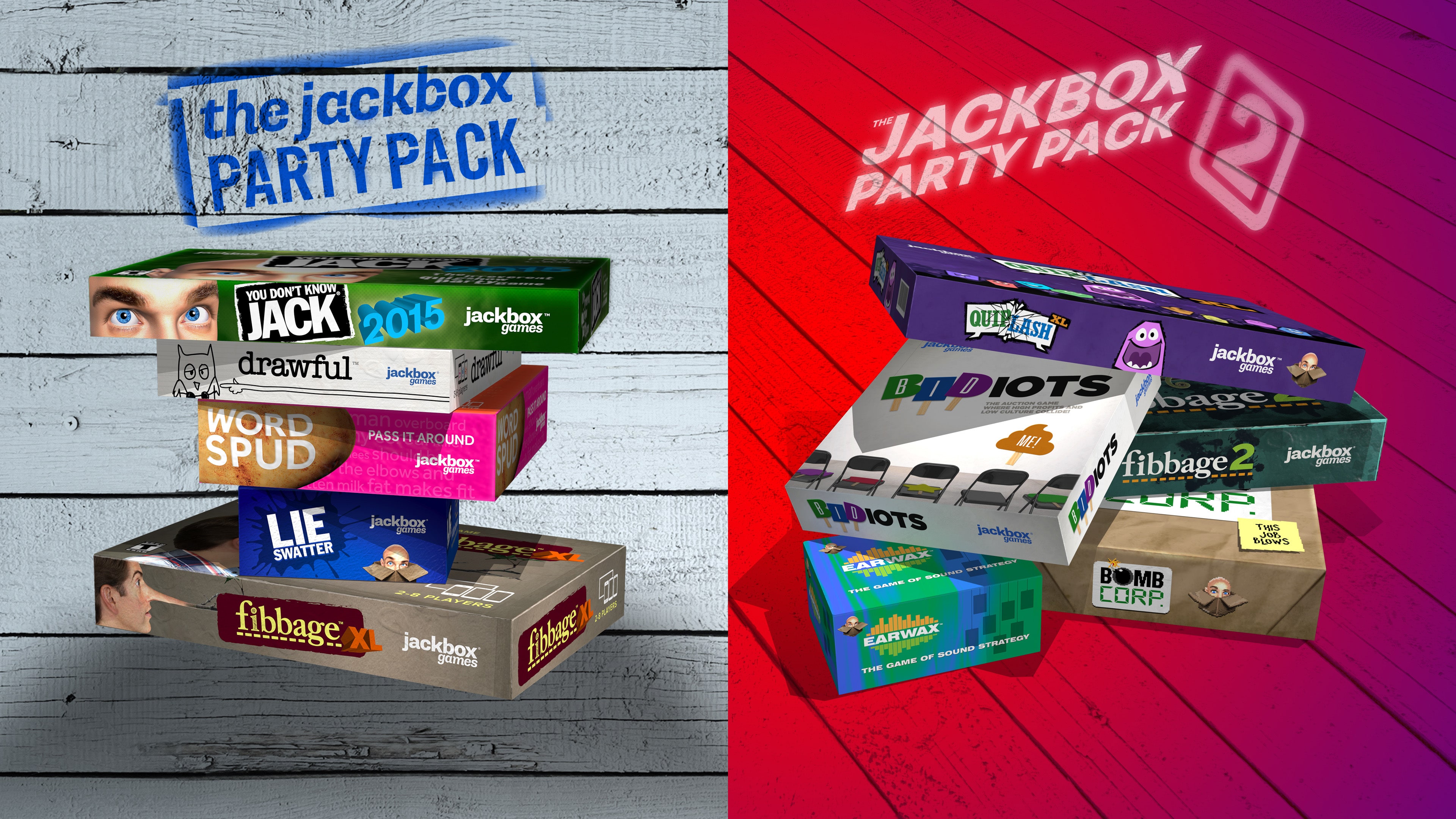
Jackbox's party game collections include music-based games incorporating piano and keyboard elements within a broader party format. Games are designed for groups in the same room or over video call, with participants joining through their smartphones as controllers.
The piano elements are about creativity and humour rather than musical skill, making these games ideal for mixed-ability groups where not everyone plays piano seriously. The party context removes pressure and adds an audience dimension that dedicated piano platforms cannot replicate.
- Platform:PC, Console
- Price:Paid per collection
- MIDI Support:No
- Private Rooms:Yes, host-controlled sessions
- Real-Time:Yes, party game format
- Best for:Party settings and mixed-ability social groups with no musical experience required
25. Perfect Piano: Real-Time Multiplayer Connection On Mobile
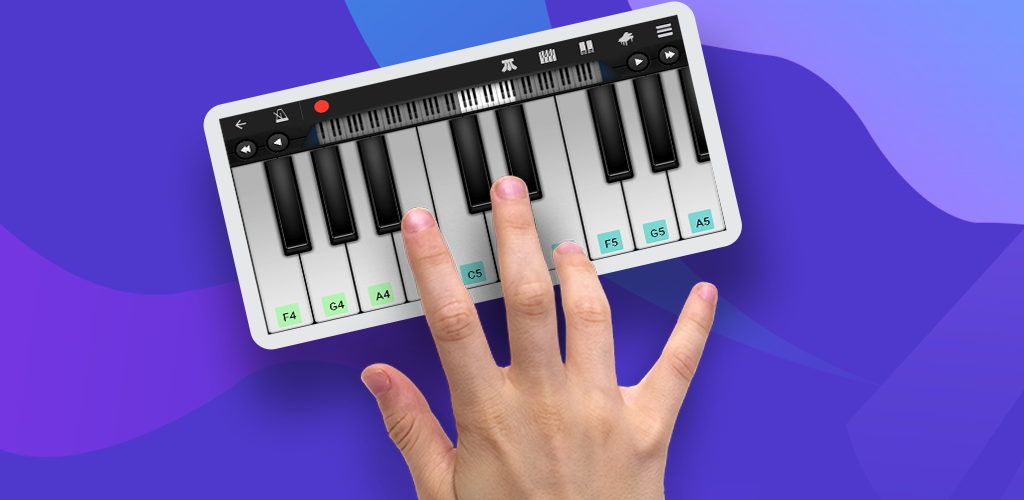
Perfect Piano is a well-established mobile piano app whose Google Play listing explicitly includes real-time multiplayer connection and competition features. Players connect with others in real time, play the same content simultaneously, and compete on accuracy and speed within the app's structured song library.
The app is one of the more polished mobile piano experiences available, with a full-range keyboard interface and a substantial free content library. Its multiplayer mode positions it closer to the true real-time category than most mobile piano apps, though the competitive structure means the experience feels closer to a game than a jam session.
- Platform:iOS, Android
- Price:Free with in-app purchases
- MIDI Support:Yes
- Private Rooms:Yes
- Real-Time:Yes
- Best for:Mobile players who want real-time competitive piano gameplay with a polished interface
What Makes A Multiplayer Piano Game Worth Playing
Not every game that calls itself multiplayer delivers a genuinely social piano experience. Understanding what separates the good ones helps you evaluate new options as they appear and make better use of the tools already on this list.
The Difference Between A Leaderboard And Real Multiplayer
A leaderboard is not multiplayer. Many piano apps add a score ranking system and market it as a social feature, but comparing scores with strangers who played the same song at different times is a fundamentally different experience from playing with someone in real time.
Real multiplayer piano games create simultaneous shared experiences where both players are playing at the same time, responding to each other, and producing a result that neither could produce alone. That simultaneity is what generates the social energy that makes multiplayer gaming compelling.
When evaluating any piano game that claims multiplayer functionality, the first question to ask is whether the interaction is synchronous or asynchronous. The answer tells you almost everything about the quality of the social experience it delivers.
Goal-Based Multiplayer Piano Recommendation Guide
Use this guide to find the right experience for your specific situation:
- You want to jam in real time for free with no setup:Multiplayer Piano or ButtonBass Jam Room
- You want private real-time sessions with a specific friend:Multiplayer Piano, Piano With Others, PianoNet, or Pianoverse
- You want real-time play plus video chat:LivePlay or CloudPiano
- You need professional low-latency real-time sessions:JamKazam
- You want a full 88-key real-time experience:Multiplayer Piano or Pianoverse
- You want creative real-time play for a classroom or young players:Chrome Music Lab Shared Piano
- You want competitive learning from a leaderboard:Piano Marvel or Playground Sessions
- You want skill-based classical competition:Piano Battle
- You want falling-note competitive play with leaderboards:Synthesia or PianoGlow
- You want social performance with an audience:Magic Piano by Smule
- You want community learning accountability:Yousician
- You want to record and produce music together:BandLab
- You want to compose and notate collaboratively:Flat.io or MuseScore
- You want a party game with musical elements:Jackbox Party Games
Expert's Take
The most underrated experience on this entire list is Multiplayer Piano. Players dismiss it because it looks simple, and the first five minutes in an open public room can be genuinely chaotic. But spend time in a smaller room with two or three players who are genuinely listening to each other, and something shifts.
You start responding to what the other player just played. They respond to you. A musical conversation develops without anyone planning it. That is improvisation in its most direct form, and it is one of the most valuable skills a pianist can develop. The fact that it happens in a free browser tool with no accounts and no setup required makes it one of the most accessible music education experiences available anywhere online.
See Also: How To Improve Your Piano Skills
Frequently Asked Questions About Multiplayer Piano Games
What Is The Best Free Multiplayer Piano Game?
Multiplayer Pianois the best completely free option, offering real-time shared playing with no account or download required in Chrome. Chrome Music Lab Shared Piano is the best free option for younger players or classroom settings.
Which Multiplayer Piano Games Support MIDI Keyboards?
Most platforms on this list support MIDI keyboard input, including Multiplayer Piano, Piano Marvel, Playground Sessions, Simply Piano, Flowkey, Synthesia, BandLab, and Flat.io. Piano Tiles 2 and Jackbox are the main exceptions, as they are designed for tap or controller input, respectively.
Can Two People Play Piano Together Online For Free?
Yes. Multiplayer Piano and Piano With Others both allow two or more players to play the same virtual piano in real time for free, directly in a browser without any account or download.
What Is The Best Multiplayer Piano Game For Learning?
Piano Marvel and Playground Sessions offer the strongest combination of genuine musical learning and multiplayer competitive features. Simply Piano is the best option for cooperative learning between two players working through lessons together.
Are There Multiplayer Piano Games For Mobile?
Piano Tiles 2 is the strongest mobile multiplayer piano game. Simply Piano and Flowkey both have mobile apps with social and cooperative features, though their core multiplayer functionality is more limited on mobile than on desktop.
What Is The Best Multiplayer Piano Game For Beginners?
Chrome Music Lab Shared Piano and Multiplayer Piano are both accessible to complete beginners because they have no failure states and require no musical knowledge to participate. Simply Piano's cooperative mode is best for beginners who want structured learning alongside another player.
Do Multiplayer Piano Games Work Without A MIDI Keyboard?
Yes. All browser-based platforms on this list work with a computer keyboard or on-screen mouse clicking as an alternative to MIDI input. A MIDI keyboard improves the experience significantly, but is not required to participate.
What Is The Best Platform For Composing Music With Other People Online?
BandLab is the best free platform for collaborative music recording and production. Flat.io is the best option for collaborative sheet music composition and notation specifically.
Final Thoughts
Multiplayer piano games cover more ground than most people expect. At one end of the spectrum, a free browser tool lets total strangers improvise together in real time with no accounts and no rules. At the other end, structured learning platforms use competitive and cooperative mechanics to drive genuine musical skill development in ways that solo practice alone rarely achieves.
The right choice depends entirely on what you want from the experience. Competitive motivation, cooperative learning, free-form creativity, collaborative composition, and party game entertainment are all valid reasons to seek out multiplayer piano experiences, and the options for each have never been better.
Start with what is free and immediately accessible. Multiplayer Piano costs nothing and takes thirty seconds to open. Chrome Music Lab is already in your browser. From there, you have a complete map of what the multiplayer piano world offers and a clear sense of where your own musical goals fit within it.