
Best Websites To Get MIDI: Find Clean Files For Piano, Beats, And Game Themes
If you’ve ever searched “MIDI + your song” and ended up with a messy file (wrong tempo, missing parts, or sketchy reuse rights), you’re not alone. The web is full of MIDI-what’s rare is MIDI that’s usable and permission-clear.
My goal here is simple: help you find the right site fast, download MIDI that won’t waste your time, and understand the license reality before you build a track, tutorial, or game soundtrack around it.
Key Takeaways (Answer Box)
- Start with license clarity. Public Domain, Creative Commons, or a royalty-free producer license is safest for reuse.
- Assume “popular song MIDIs” are restricted unless the site (or file) clearly grants rights.
- For classical/public-domain-friendly MIDI, Mutopia is the cleanest starting point.
- For production-ready patterns (chords, grooves), use royalty-free pack sites like Groove Monkee or paid Slooply plans.
- For video game-style MIDIs, VGMusic is deep-but reuse depends on the specific arrangement and credits inside the file.
Choose your MIDI source the same way you choose samples-rights first, then quality.
How To Choose The Best Websites To Get Midi (Quality + Licensing, Fast)
You’re about to save hours by making one decision up front: Do you need MIDI you can reuse publicly (YouTube, streaming, commercial projects), or just MIDI to practice and learn privately?
The License-first Rule (the One Most People Skip)
A MIDI file can represent creative authorship (arrangement choices, voicings, expression), and musical works/arrangements can carry copyright protections. So treat “free download” as “free to access,” not automatically “free to reuse.”
Here’s a practical way to think about licensing labels you’ll see in this article:
- License-clear (best):Public Domain / Creative Commons (CC BY / CC BY-SA, etc.)
- Producer-license (often good):royalty-free MIDI packs (read terms; usually no redistribution)
- Personal-use / unclear (risky for publishing):fine for learning; don’t assume you can monetize or distribute.
Use-case Router (pick Your “best Site Type”)
| Your goal | Best site type to start with |
| Publish music/videos using the MIDI | Public Domain / Creative Commons libraries (e.g., Mutopia) |
| Make beats fast (chords/grooves) | Royalty-free producer MIDI packs (Groove Monkee / paid Slooply) |
| Learn piano with interactive playback | Learning platforms (Pianotify) |
| Find “almost any song” to practice privately | Large archives/search engines (BitMidi, MIDIfind) (verify rights) |
| Video game MIDI arranging / study | VGMusic + creator-arrangers (PandaTooth) |
Quality Signals That Matter In Real Projects
When you preview or import a file, look for:
- Type 1 MIDI(separate tracks) rather than “everything on one track” (Type 0).
- Track namesthat make sense (melody/bass/drums, not “Track 1/2/3”).
- A stable tempo map(or at least a single correct tempo) so your DAW grid lines up.
- General MIDI (GM) friendlinessif you want quick playback across devices.
Takeaway:you don’t need the “biggest” MIDI site-you need the one that matches your reuse needs and produces clean imports.
28 Best Websites To Get Midi (Directory)
Below, each site gets the same treatment: a short practical intro, then a bullet list you can scan. For anything you plan to publish, prioritize license-clearsources first.
1. BitMidi
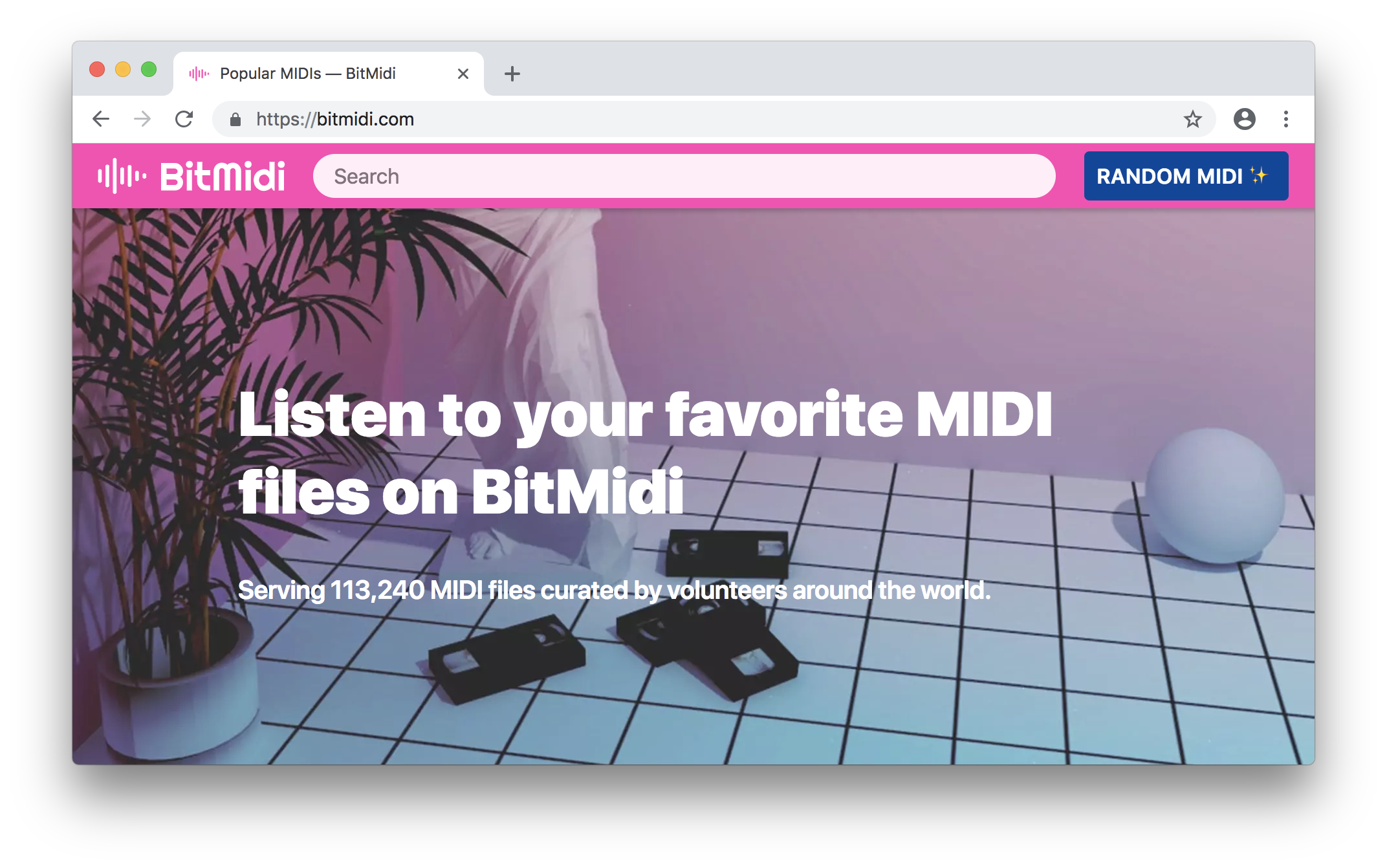
BitMidi is one of the biggest “instant download” MIDI archives on the web, with a simple browser player and fast search/browsing. It’s excellent for practice, quick listening, and sketching ideas-but you should treat reuse rights as file-by-file due diligence.
- Website: BitMidi
- Best for:quick “does this melody exist as MIDI?” checks; private practice; rough arranging.
- What you get:huge library + direct downloads + in-browser playback.
- License / reuse note:the site is a distribution platform; don’t assume commercial reusewithout explicit permission or a PD/CC source.
- Quality tip:expect mixed quality-import and immediately check tempo, track split, and missing bass/drums.
- Fast workflow:download → open in DAW → rename tracks → lock tempo → rebuild instrumentation.
2. MIDIWORLD (classic Directory)
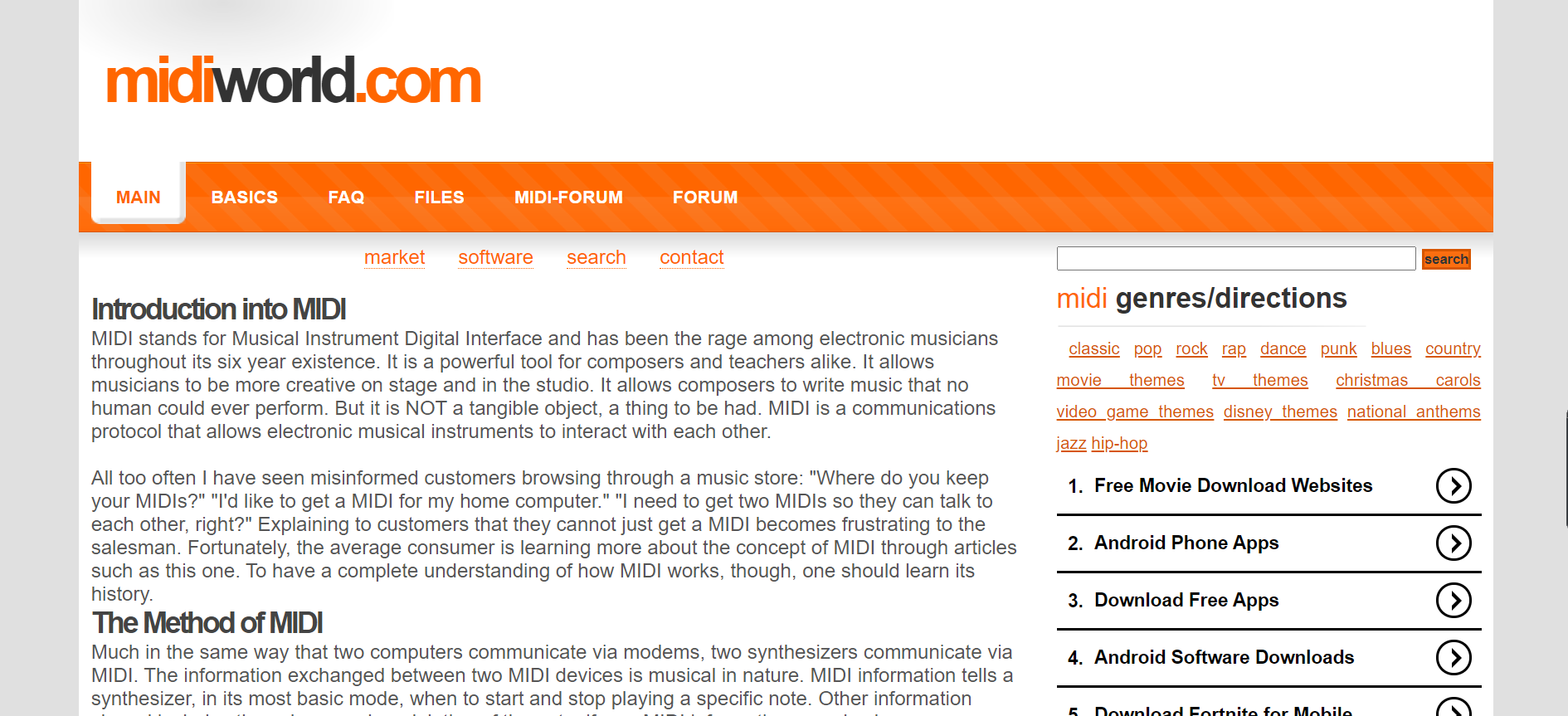
MIDIWORLD is an old-school directory organized by composer and alphabetical indexes, and it’s still surprisingly useful for hunting by name when you don’t want algorithmic search quirks. The upload area and site footer clearly assert copyright ownership at the site level.
- Website: MIDIWORLD
- Best for:browsing by composer/title; quick grabs for learning.
- What you get:category browsing + lots of legacy .mid files.
- License / reuse note:the site asserts “all rights reserved,” so treat downloads as personal-use unless stated otherwise.
- Quality tip:older MIDIs may be GM-focused; great for basic playback, not always expressive.
- Fast workflow:preview → download → re-voice instruments with modern VSTs.
3. FreeMIDI.org
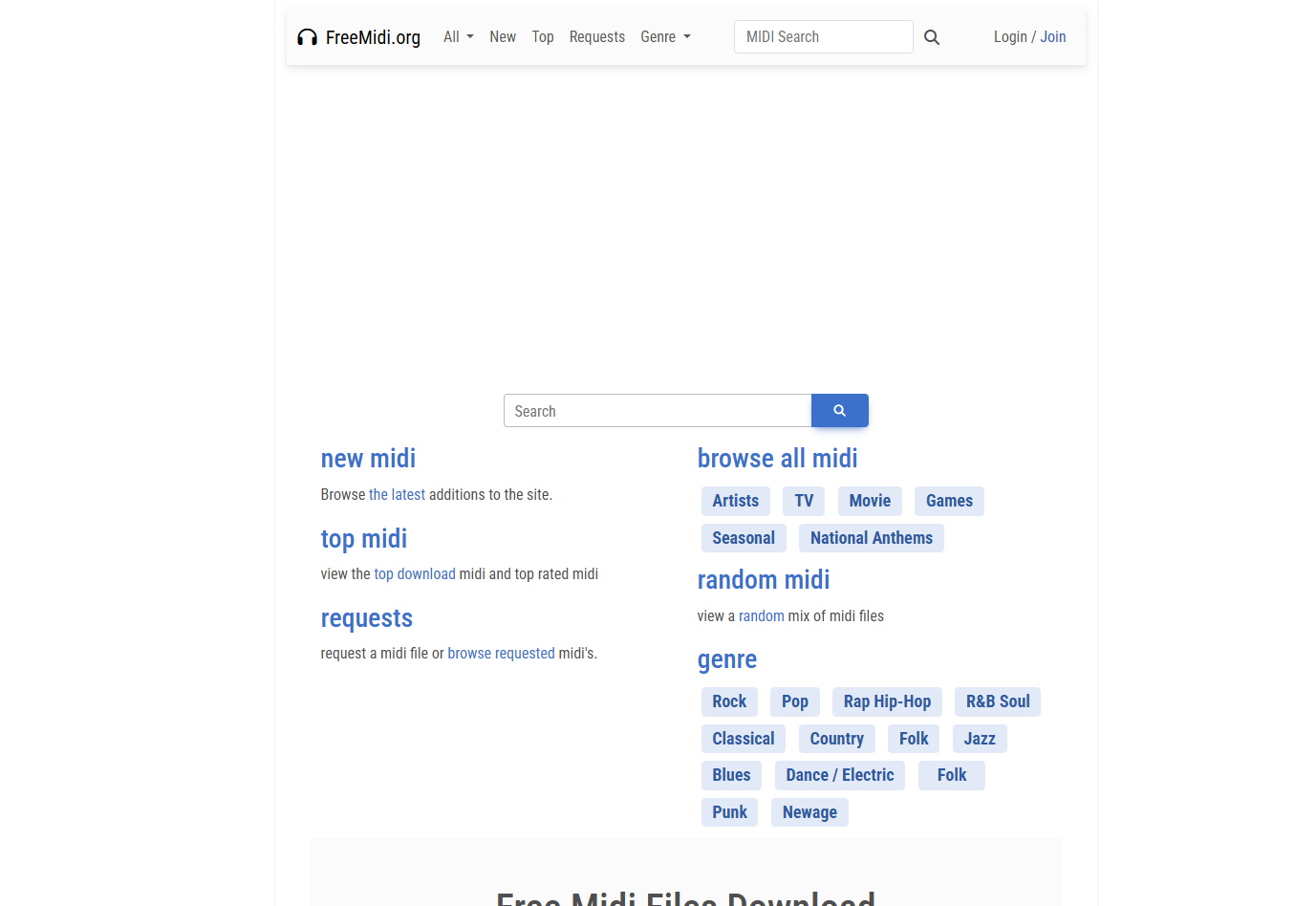
FreeMIDI.org is a straightforward “find a song → download a .mid” style library. It’s handy when you need MIDI quickly and you’re not picky about arrangement nuance.
- Website: FreeMIDI.org
- Best for:quick practice files; rough reference for melodies/chords.
- What you get:song pages with direct downloads; broad genre coverage.
- License / reuse note:licensing may not be uniform across files-treat as unclear unless specified.
- Quality tip:verify the correct song/version; titles can be ambiguous.
- Fast workflow:use as a starting sketch, then rebuild the arrangement with your own MIDI.
4. FreeMIDIs.net
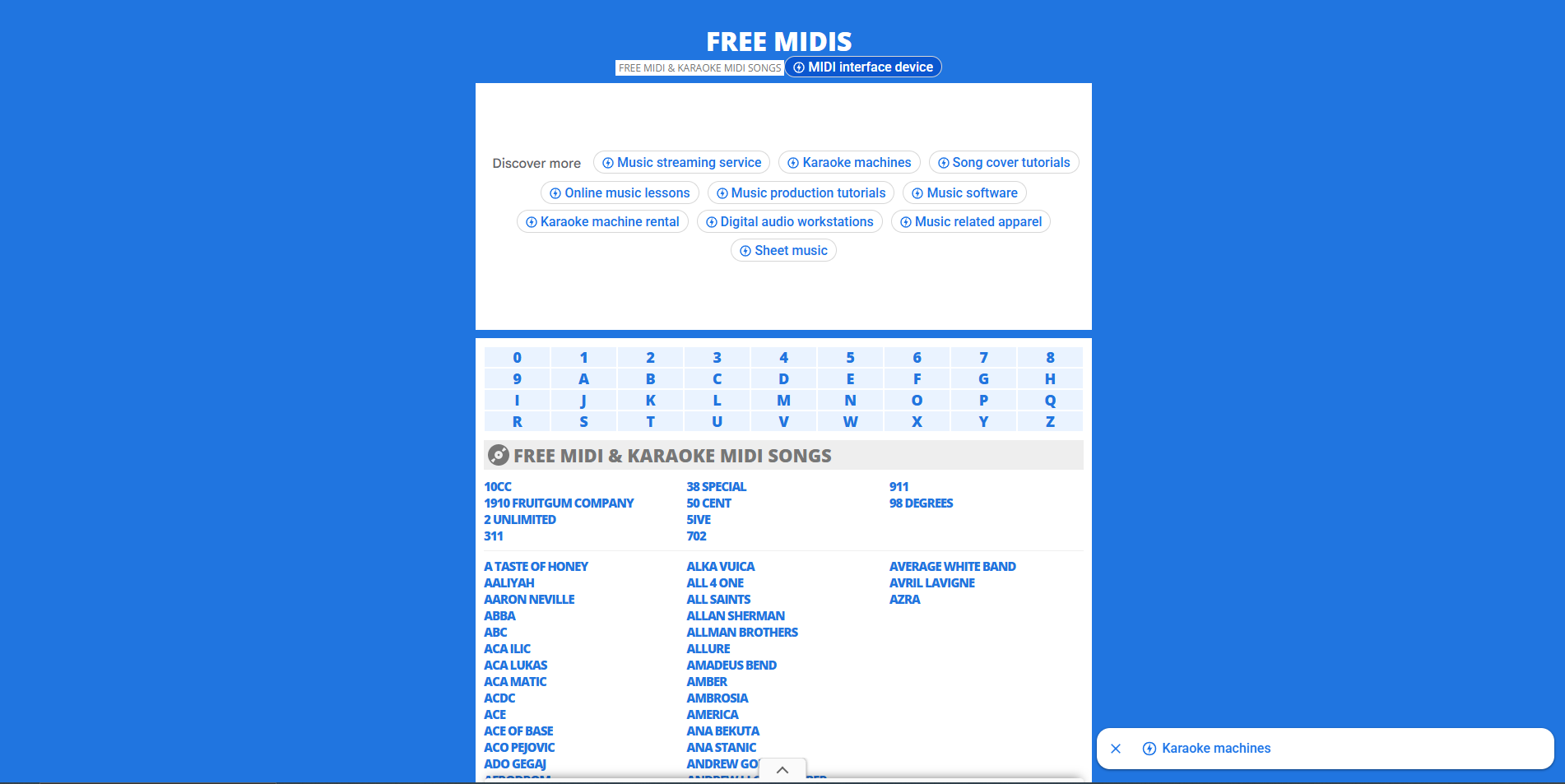
FreeMIDIs.net combines standard song MIDIs with a karaokeish catalog feel. It’s good for learners who want a large menu of recognizable tunes, but rights are not always explicit.
- Website: FreeMIDIs.net
- Best for:practice; sing-along rehearsal; quick melody extraction.
- What you get:many artist/title pages and downloads.
- License / reuse note:the site’s pages don’t inherently grant broad reuse-assume personal-useunless you can confirm otherwise.
- Quality tip:karaoke-focused MIDIs can have rigid quantization; humanize timing if you’re producing.
- Fast workflow:import → separate melody/bass → adjust swing/humanize → assign instruments.
5. MIDIfind
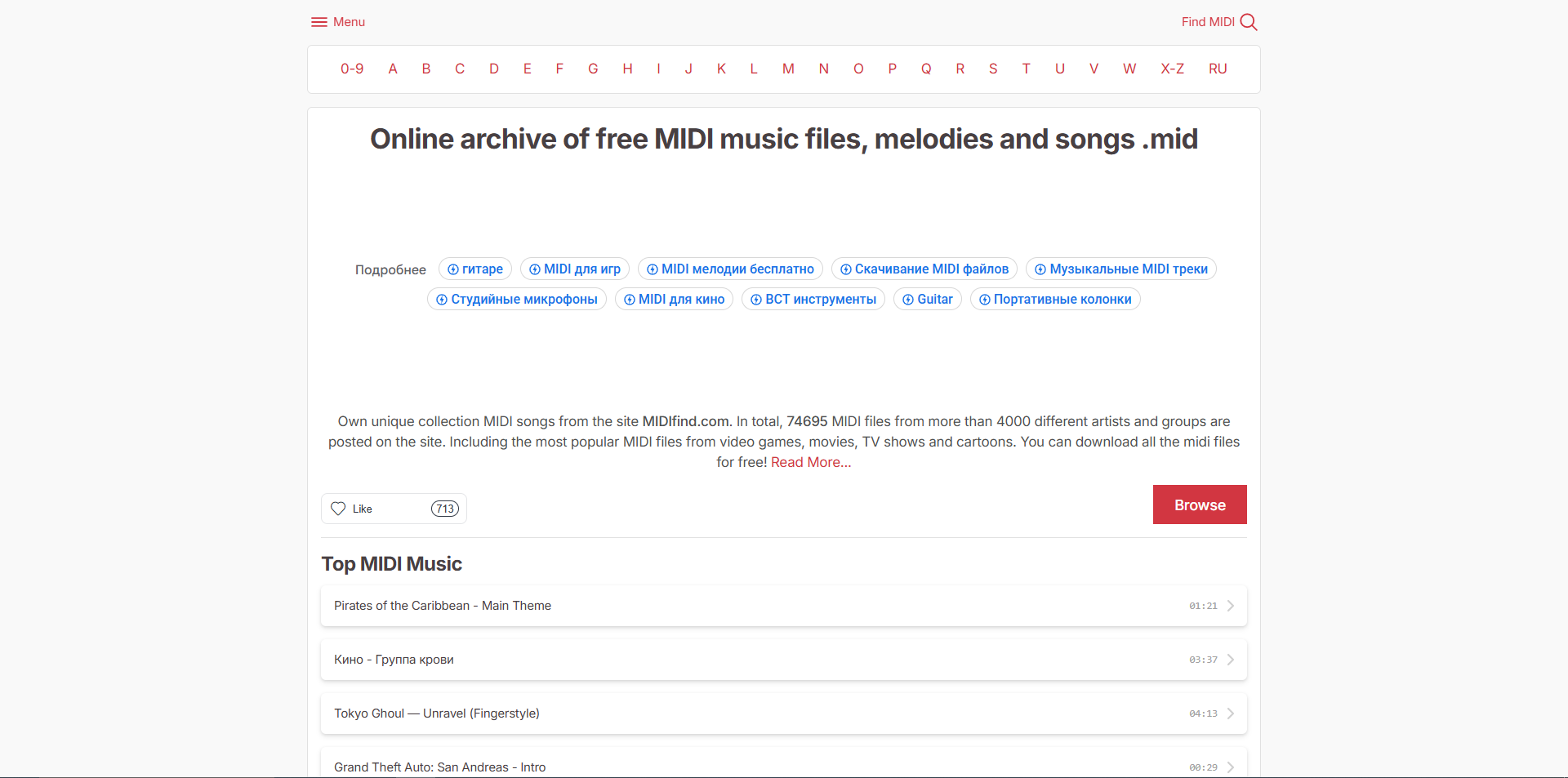
MIDIfind positions itself as a large archive with lots of artists and titles, and it’s effective when you want volume and fast browsing.
- Website: MIDIfind
- Best for:“I need a MIDI for this artist/title, any version will do.”
- What you get:large catalog + browsing sections.
- License / reuse note:treat as unclear by default-great for learning, not a reuse guarantee.
- Quality tip:audition multiple results; the best file is often not the first one you click.
- Fast workflow:download 2-3 variants → pick the cleanest tempo/track split.
6. MIDI DB (University Of Arizona)
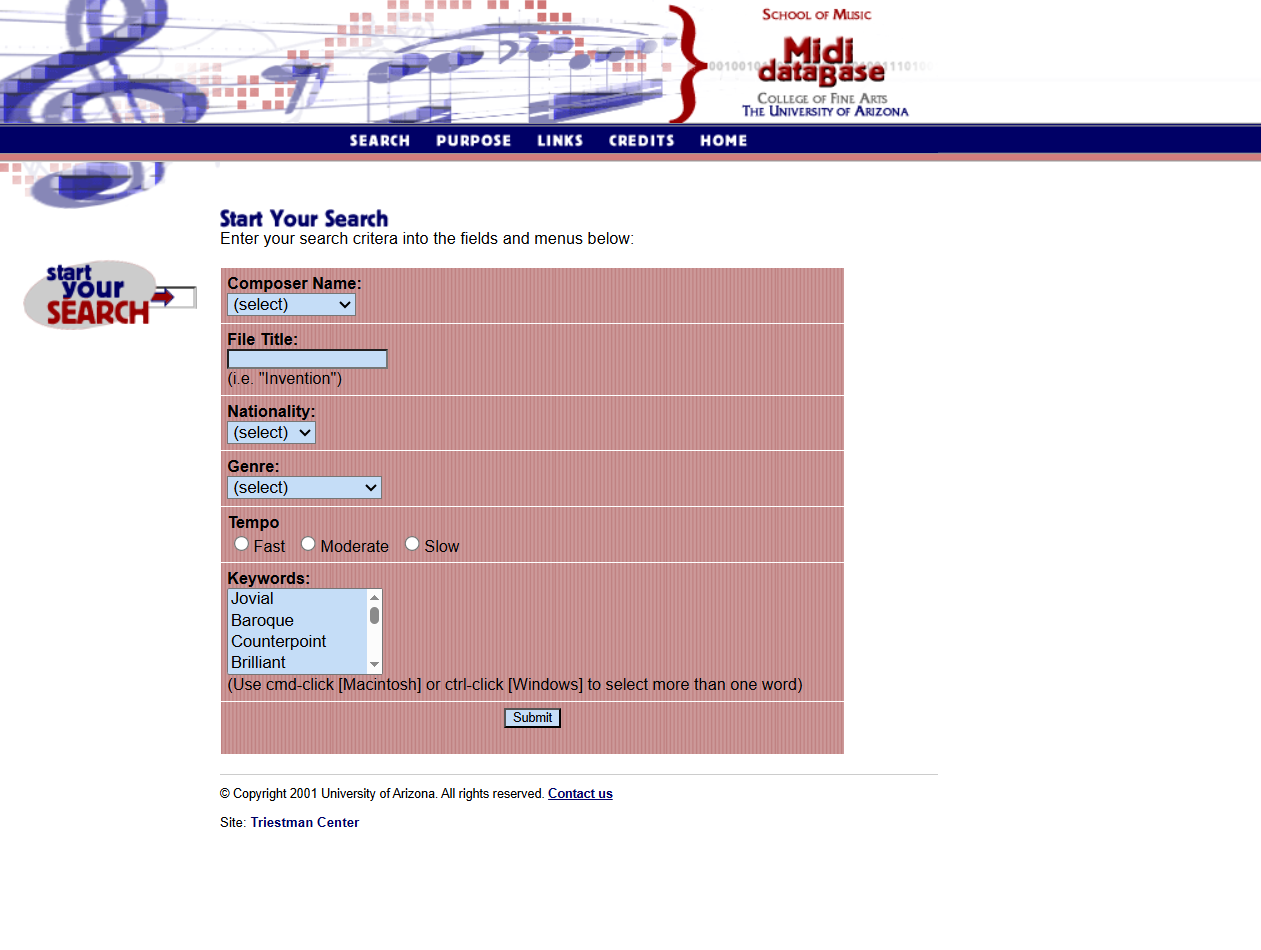
This is a standout when you want “boring in the best way”: an academic-hosted MIDI database designed around public domain compositions. It’s one of the cleaner starting points for educators and researchers.
- Website: MIDI DB
- Best for:education; public-domain repertoire; research-friendly sourcing.
- What you get:cataloged PD compositions as MIDI.
- License / reuse note:still confirm the page’s intent and any notes, but the focus is public domain works.
- Quality tip:PD doesn’t automatically mean “performance-ready”; you may need dynamics/articulation passes.
- Fast workflow:import → add expression (CC11/CC1) → re-orchestrate.
7. Partners In Rhyme
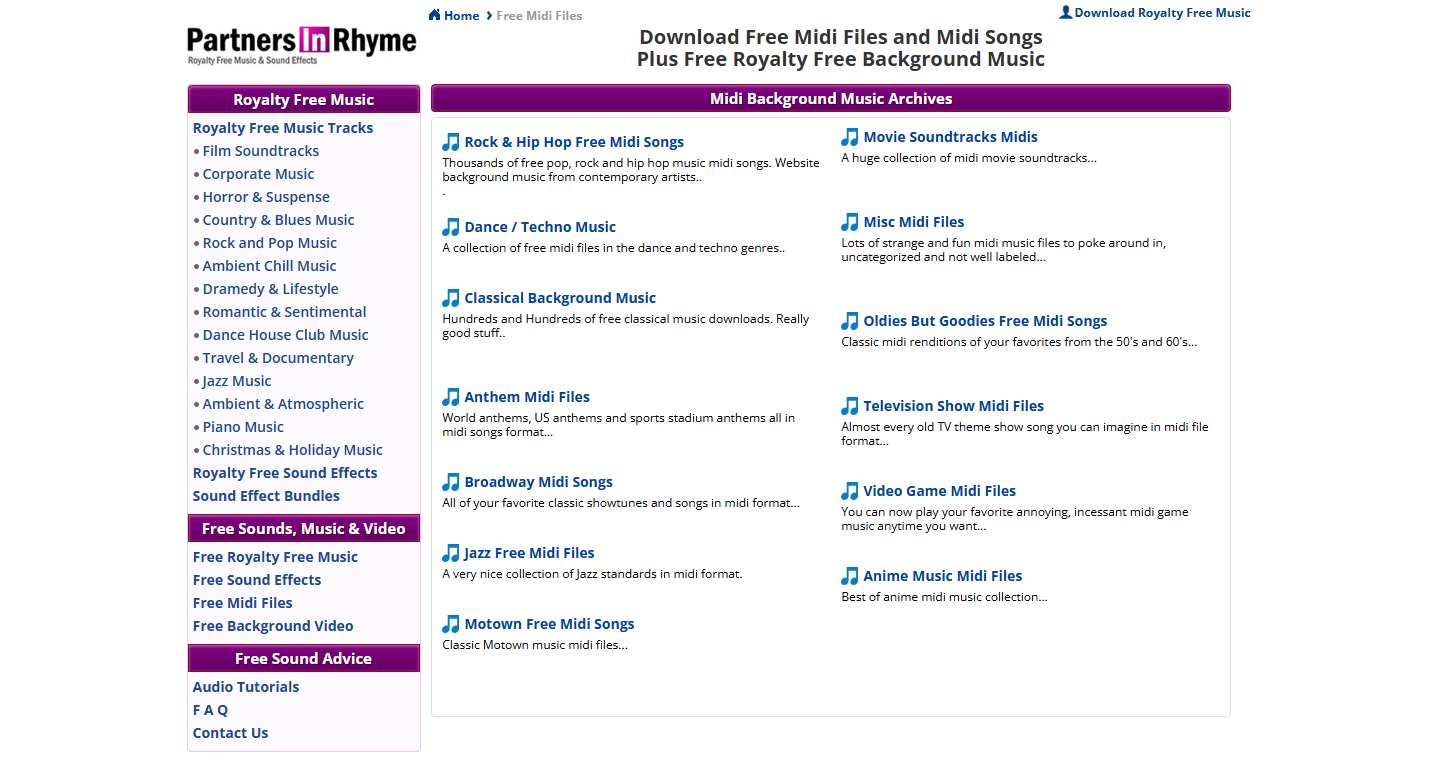
Partners In Rhyme is valuable because it’s unusually direct about usage: it’s positioned as a personal-use library rather than “do anything you want.” That clarity helps you avoid accidental misuse.
- Website: Partners In Rhyme
- Best for:personal practice; hobby projects that won’t be published.
- What you get:a broad MIDI catalog.
- License / reuse note:explicitly framed as personal use only(don’t assume commercial rights).
- Quality tip:test a file before committing; arrangement depth varies.
- Fast workflow:use for rehearsal; if publishing, rebuild using license-clear sources.
8. Mutopia Project
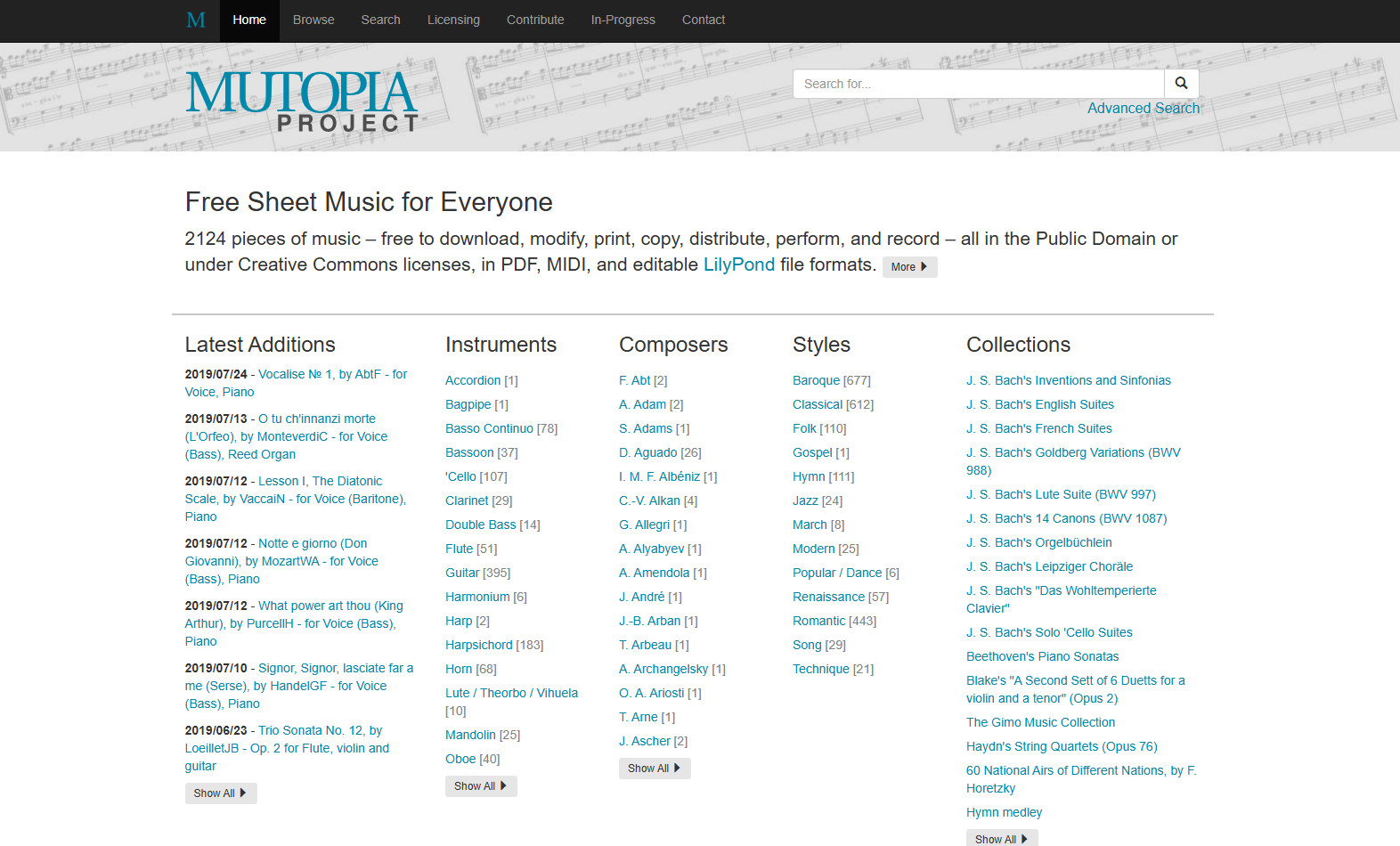
Mutopia is the gold standard in this list for reuse clarity: it explicitly offers music in the Public Domain or Creative Commons, and provides MIDI alongside other formats.
- Website: Mutopia Project
- Best for:creators who publish; educators; anyone who needs permission clarity.
- What you get:MIDI + PDF + editable sources (often LilyPond), with licensing context.
- License / reuse note:licenses are spelled out, including CC variants and Public Domain.
- Quality tip:classical pieces may import “notation-clean” but still need expressive shaping for production.
- Fast workflow:pick a piece → confirm license → download MIDI → add phrasing + dynamics.
9. Classical Archives
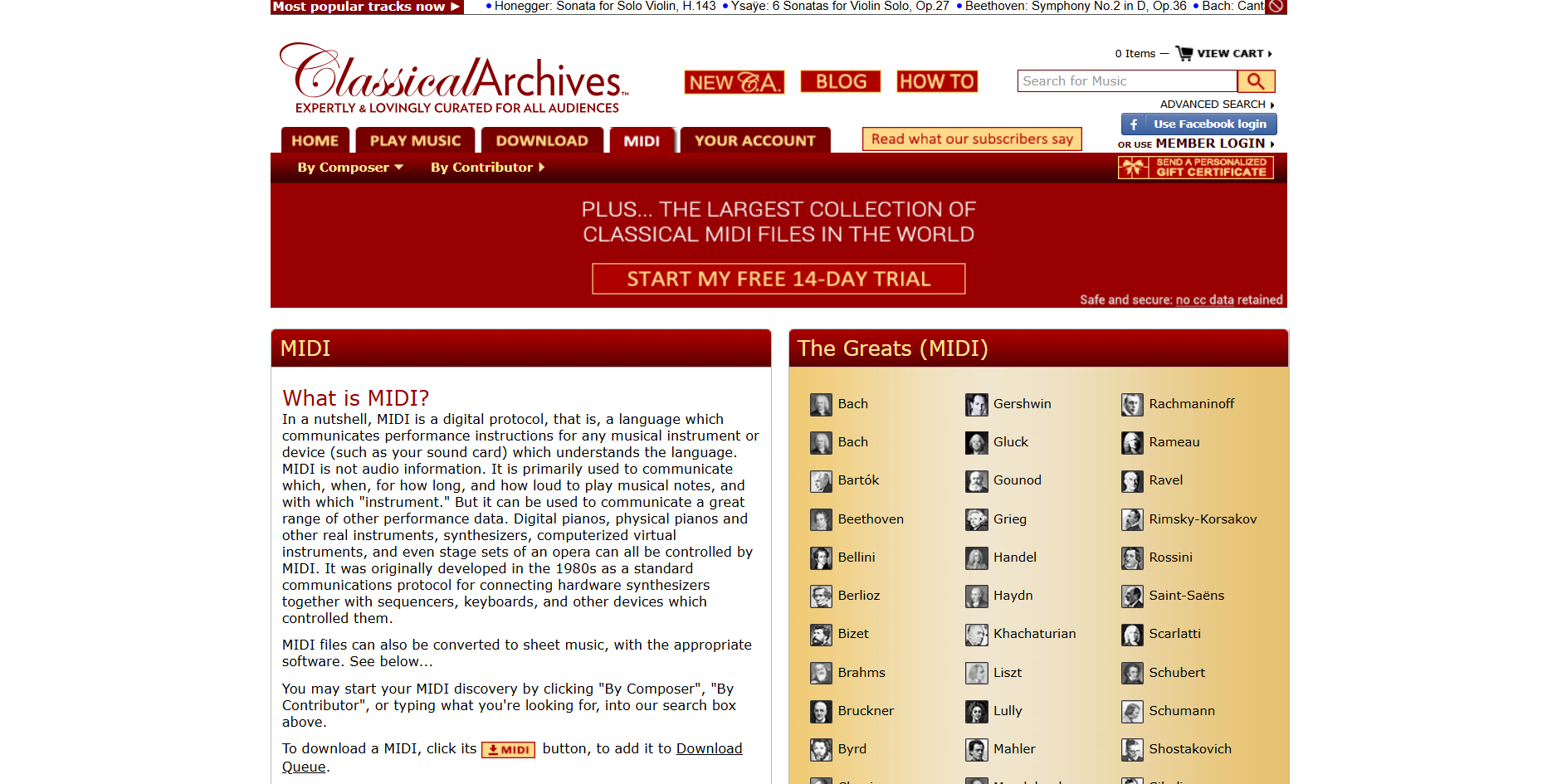
Classical Archives offers a large classical MIDI area and also highlights the MuseScore software for playback. It’s a deep classical resource, but permissions can vary by collection/source.
- Website: Classical Archives
- Best for:classical learners; arranging classical repertoire; quick MIDI references.
- What you get:a broad MIDI catalog and curated pages.
- License / reuse note:some sequences are shared “by permission,” so treat rights as piece-specific, not universal.
- Quality tip:classical MIDIs often have strong note data but weak expression-plan to add dynamics.
- Fast workflow:import → fix tempo rubato if needed → map articulation → render with orchestral libraries.
10. MuseScore
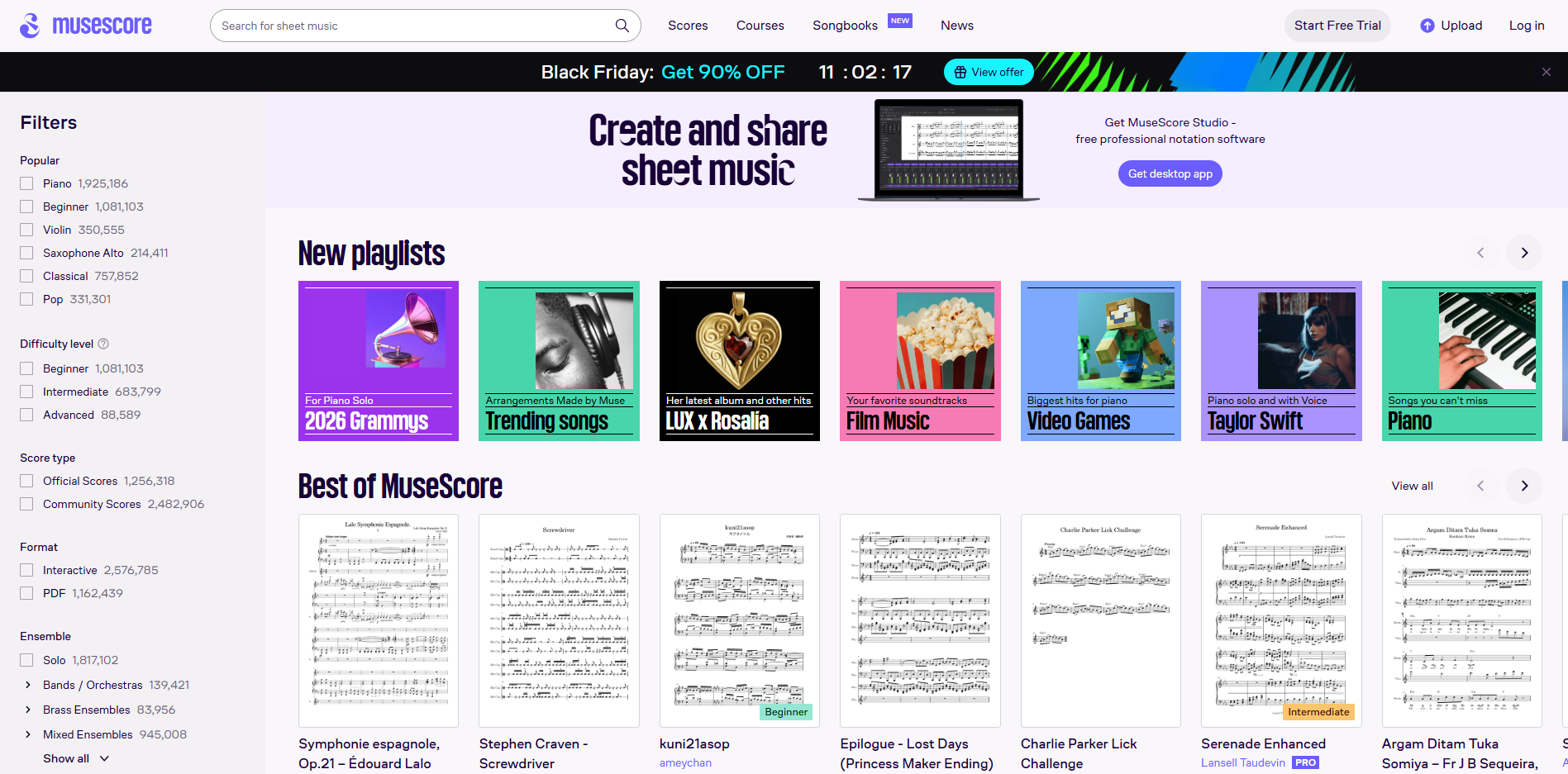
MuseScore is not “one license fits all.” It’s a huge community library where licensing depends on the specific score and category, and it also has paid subscription options for certain downloads.
- Website: MuseScore
- Best for:finding user-created arrangements; notation-to-DAW workflows.
- What you get:scores (often with MIDI export/download options) and a massive community catalog.
- License / reuse note:check the score’s licensing/usage policy-rights differ across content types.
- Quality tip:community arrangements can be excellent, but not standardized-inspect track splits and voicings.
- Fast workflow:download → check license → export MIDI → clean quantization in DAW.
11. Pianotify
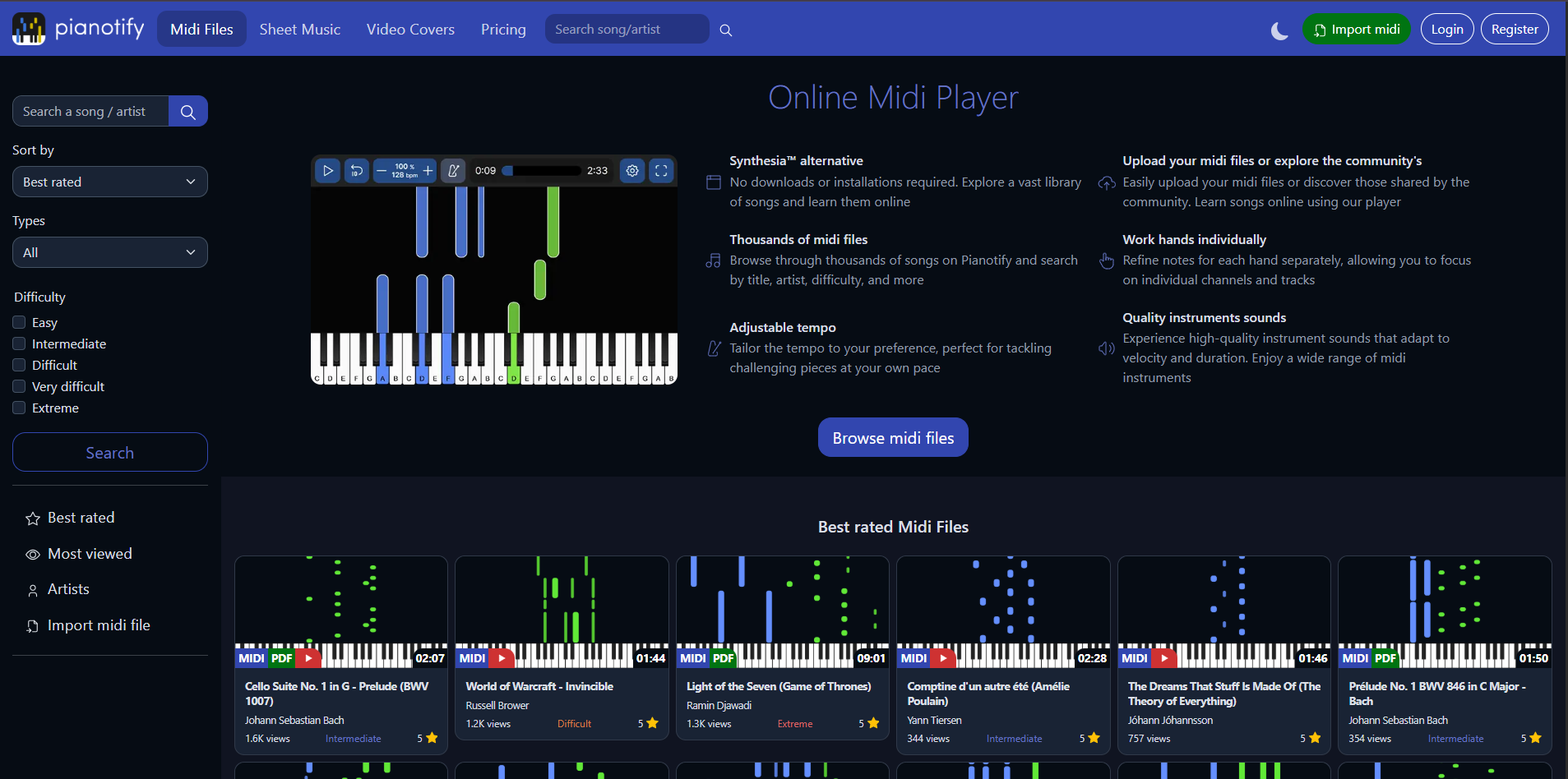
Pianotify is built around interactive learning: searching songs, adjusting tempo, and working hands separately-features that matter more to learners than producers.
- Website: Pianotify
- Best for:learning piano; tempo-controlled practice; hand separation.
- What you get:searchable MIDI library + playback tools; importing/upload options.
- License / reuse note:treat as a learning platform-confirm what downloads/uploads allow before publishing content.
- Quality tip:learning-focused MIDIs tend to be “clear and readable,” which also imports nicely into notation apps.
- Fast workflow:find song → slow tempo → isolate channels → export/download if allowed.
For learners, pairing this with Beginner Piano Songshelps you choose pieces that won’t overwhelm you while you build timing and coordination.
12. MIDI Toolbox Library
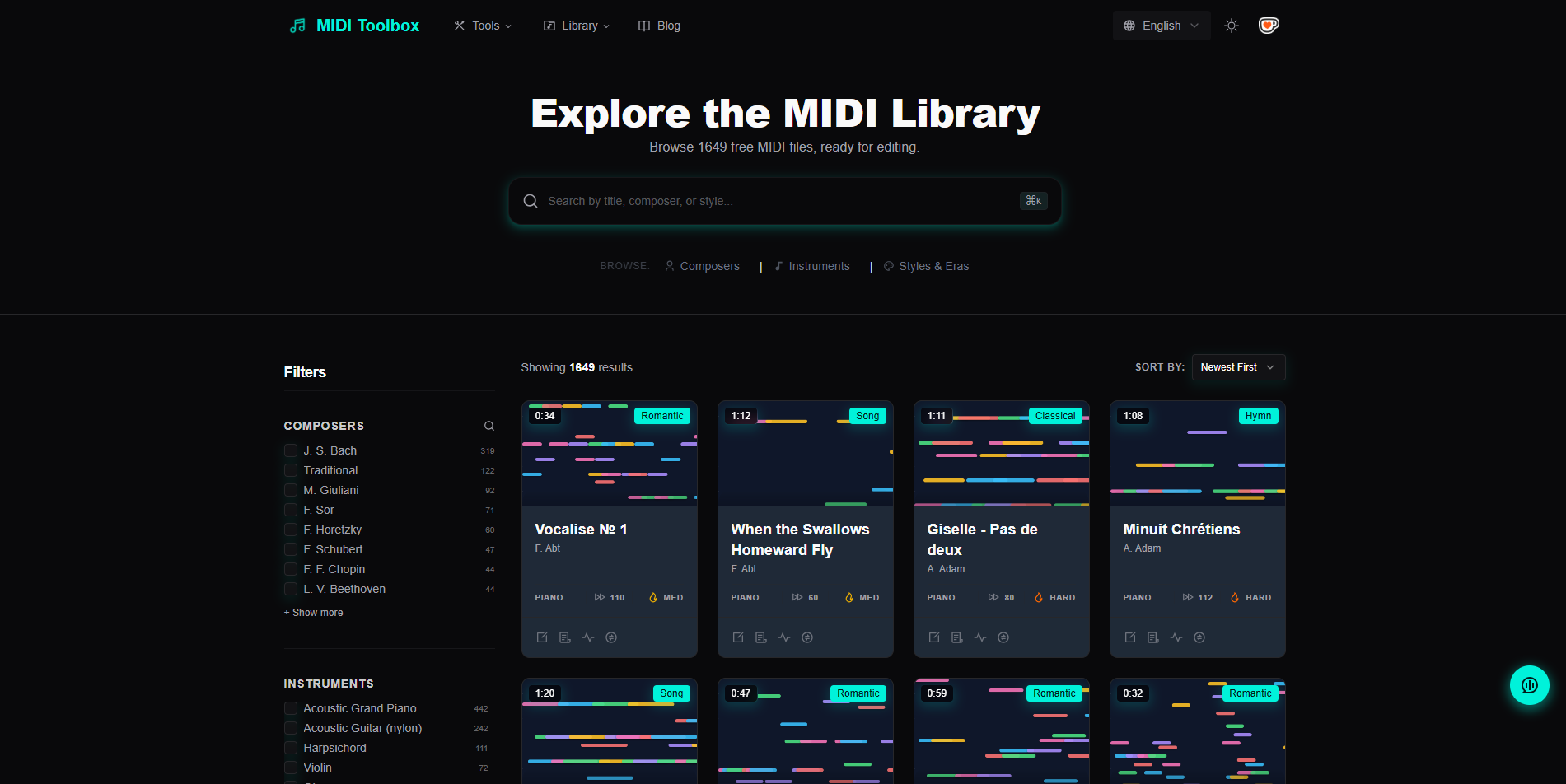
MIDI Toolbox combines a searchable library with practical in-browser tools (play/edit/convert/analyze) that keep your workflow moving without installing extra software.
- Website: MIDI Toolbox Library
- Best for:fast filtering by style/instrument; quick inspection; converting/cleaning.
- What you get:a filterable MIDI library plus browser-based utilities.
- License / reuse note:confirm licensing on any downloaded piece; tools are neutral, rights are not automatic.
- Quality tip:use the analyzer/visualizer to spot “one-track dumps” before importing.
- Fast workflow:search → preview → analyze → download → clean naming/tempo.
If you just want to quickly inspect a file before importing, a piano roll onlinetool is perfect for checking track separation, note density, and awkward quantization.
13. The MIDI Archive
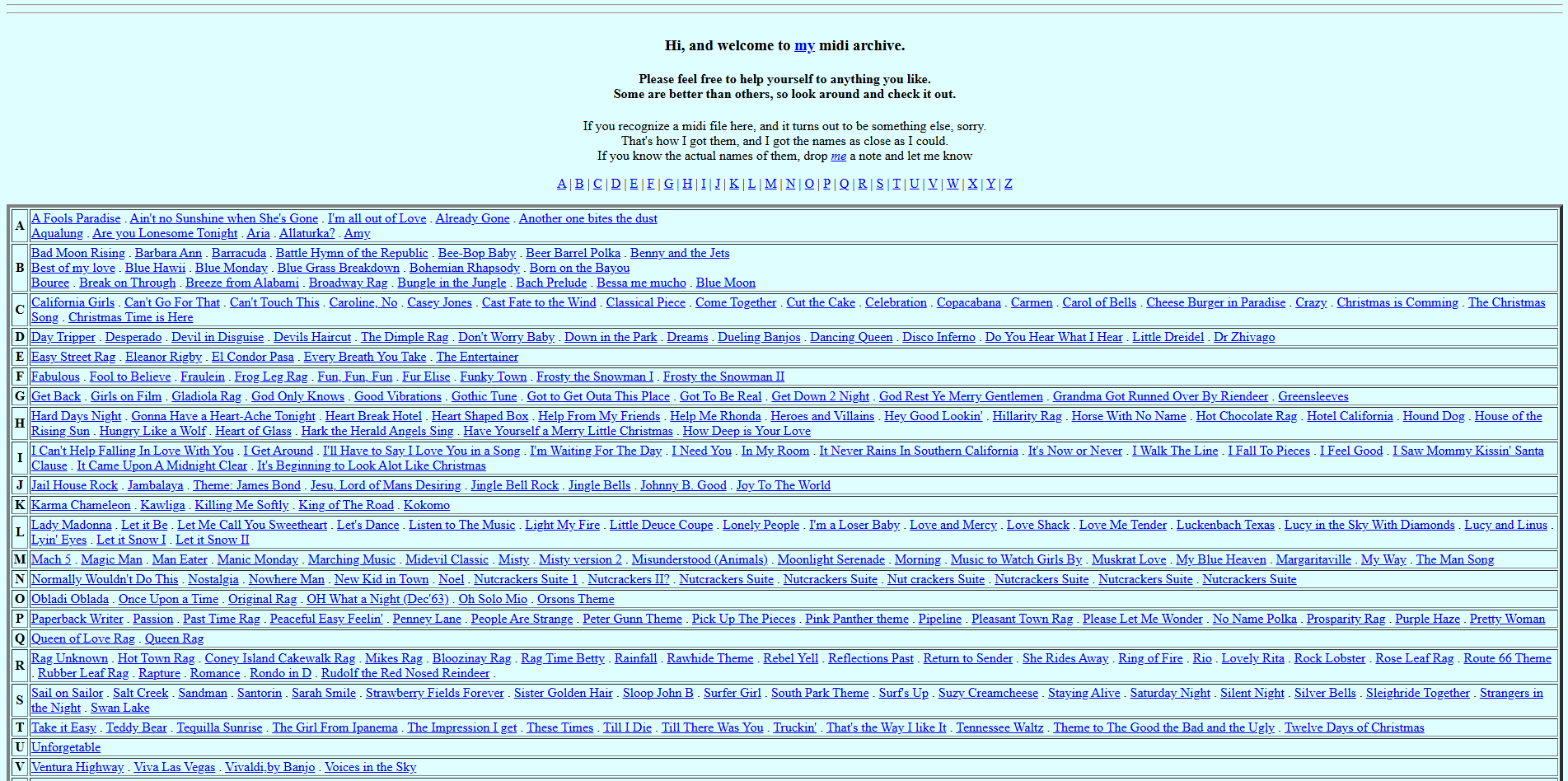
This one is often referenced in research/curated lists as an academic archive hosted by Utrecht University, which makes it appealing for dataset-style exploration. Availability and navigation can vary over time.
- Website: The MIDI Archive
- Best for:researchers; large-scale browsing; symbolic-music exploration.
- What you get:an academic-style archive reference point (when accessible).
- License / reuse note:archives may contain mixed-provenance files-treat as research-first, reuse-with-care.
- Quality tip:expect inconsistent metadata; plan to normalize track names and tempos.
- Fast workflow:sample multiple files → keep only those with clean structure + clear provenance.
14. Midikaos
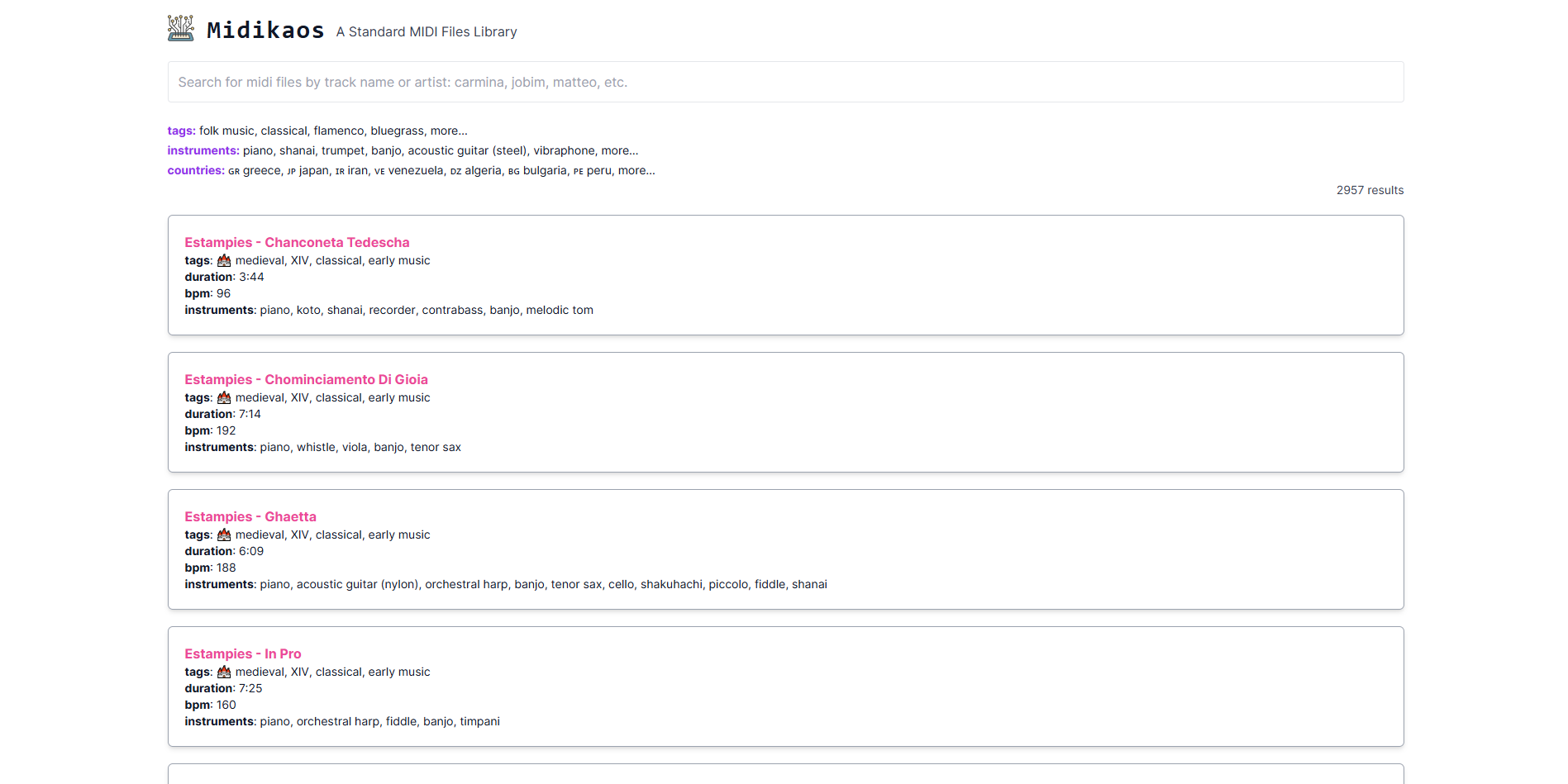
Midikaos is a throwback-style MIDI archive that can surface niche or older files you won’t see on modern “SEO lists.” It’s useful when you’re hunting deep cuts.
- Website: Midikaos
- Best for:nostalgia browsing; unusual/pop culture finds.
- What you get:a wide mix of legacy MIDIs.
- License / reuse note:typically unclear; use for learning unless you can verify rights per file.
- Quality tip:older MIDIs may need channel cleanup and program-change fixes.
- Fast workflow:import → strip odd program changes → reassign instruments.
15. VGMusic
VGMusic is one of the oldest and deepest video game MIDI communities online, organized by console and title. It’s a goldmine for study and arrangement reference-just remember: community-made arrangements can carry their own rights/credits.
- Website: VGMusic
- Best for:game-music practice; arrangement study; nostalgia projects.
- What you get:massive, console-indexed directories and a long-running community.
- License / reuse note:check file headers/track names for author credits and usage notes; don’t assume blanket reuse.
- Quality tip:many files are cleanly separated by instrument (great for DAWs).
- Fast workflow:pick the most musical arrangement → keep credits in your project notes → rebuild if publishing.
16. ThePandaTooth

ThePandaTooth is a creator-arranger site that provides piano arrangements with MIDI available for many pieces. Compared to random archives, creator-provided files often import cleaner-and you can usually identify the arranger.
- Website: ThePandaTooth
- Best for:piano arrangement learners; film/game soundtrack-style piano.
- What you get:sheet music+ MIDI + supporting materials for arrangements.
- License / reuse note:still confirm terms and respect arranger credit; arrangements are creative works.
- Quality tip:these MIDIs often have strong voicing for piano but may need adaptation for full productions.
- Fast workflow:import → split LH/RH if needed → orchestrate or sound-design around the harmony.
17. HamieNET
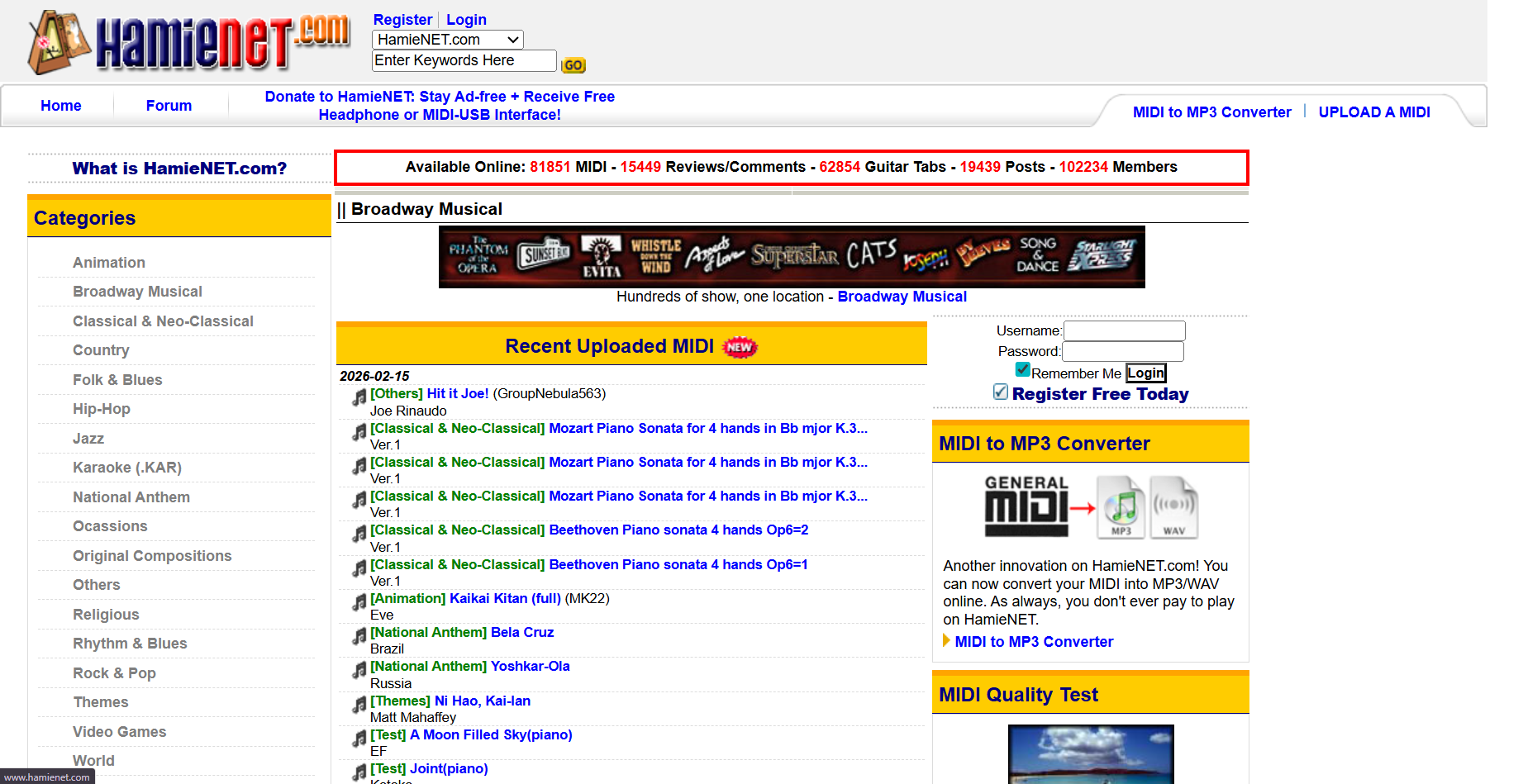
HamieNET brands itself as an open educational music library and includes wide categories beyond MIDI alone. It’s useful for discovery and broad browsing.
- Website: HamieNET
- Best for:browsing across genres; finding older community contributions.
- What you get:a large catalog with “recent additions” style navigation.
- License / reuse note:community-uploaded content can be mixed-rights; treat as personal-use unless verified.
- Quality tip:community uploads vary; audition before importing into a serious project.
- Fast workflow:shortlist 3 files → import/test → keep the cleanest.
18. Carlo’s MIDI
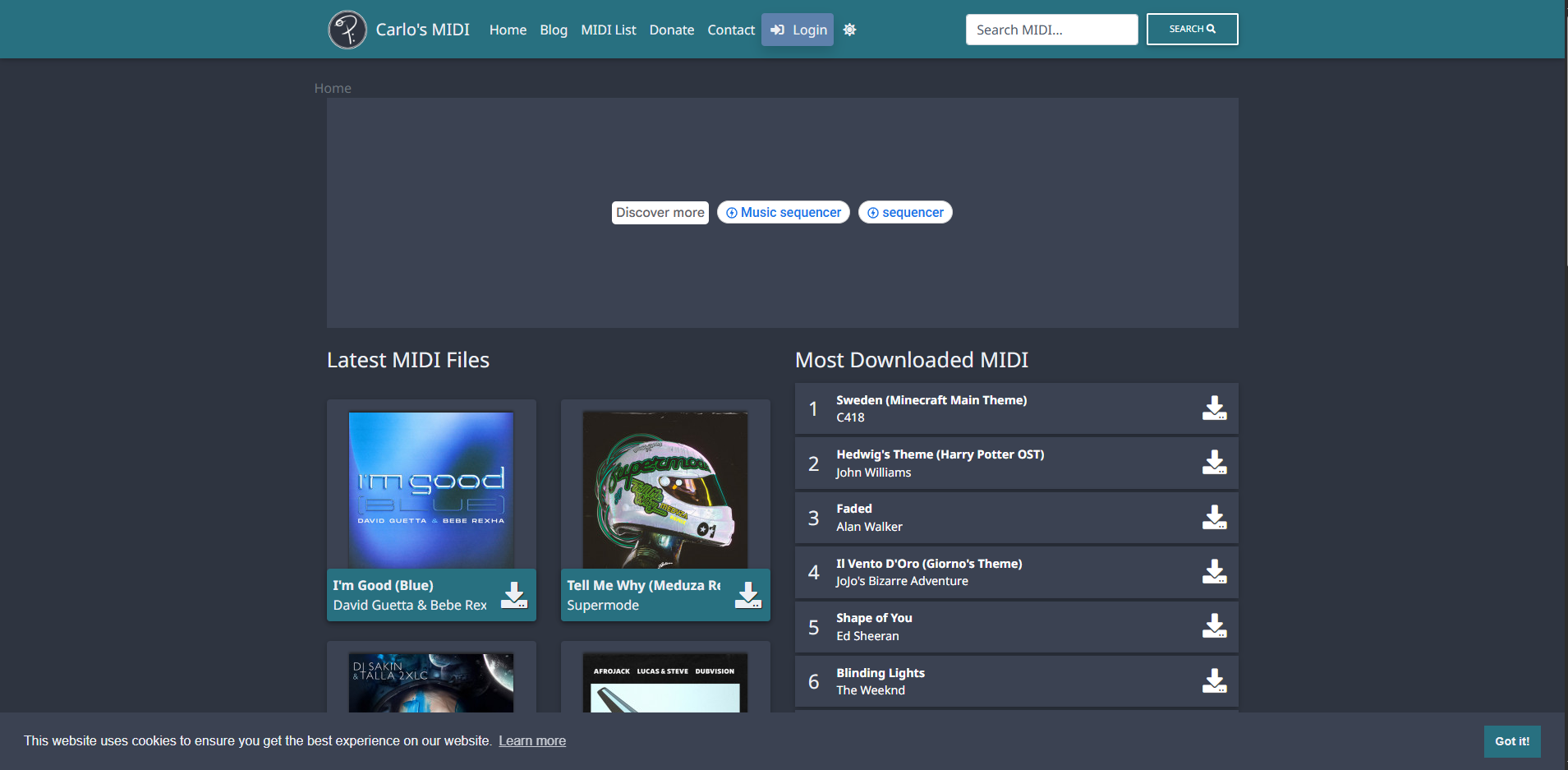
Carlo’s MIDI is a classic “personal archive” style site-often older arrangements and a straightforward browsing feel. It’s useful when modern search engines bury small archives.
- Website: Carlo’s MIDI
- Best for:older pop standards; browsing outside the big directories.
- What you get:a personal collection with direct downloads.
- License / reuse note:usually not a commercial license-verify before publishing.
- Quality tip:watch for dated GM program selections; swap instruments in your DAW.
- Fast workflow:import → replace sounds → tighten timing lightly.
19. NonStop2k
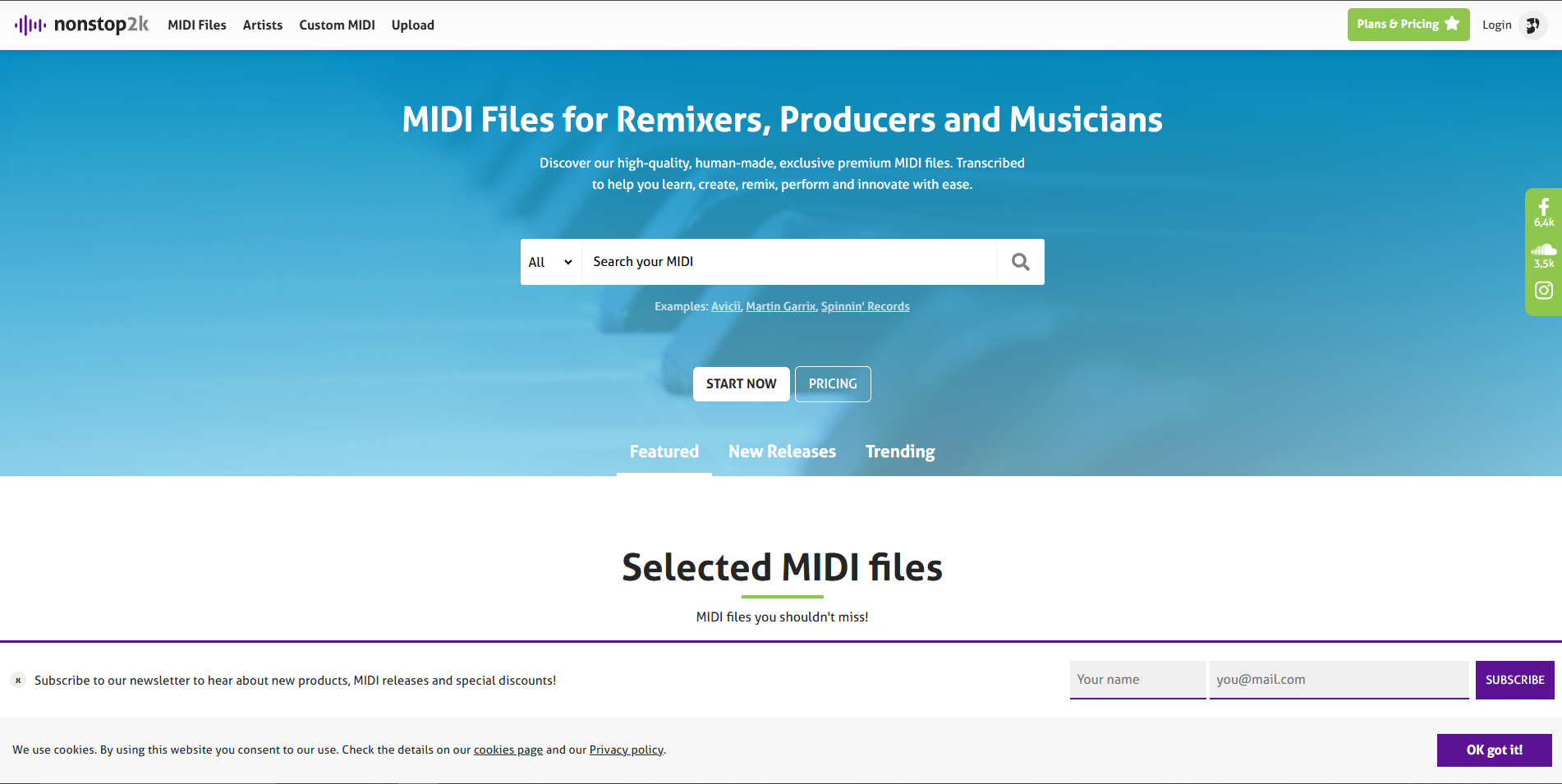
NonStop2k is another community-style archive that can surface files you don’t find elsewhere, especially across pop culture categories.
- Website: NonStop2k
- Best for:variety hunting; “I wonder if a MIDI exists for this…”
- What you get:broad categories and legacy-style browsing.
- License / reuse note:generally unclear; safest for practice/learning.
- Quality tip:expect inconsistent naming and track separation.
- Fast workflow:normalize tracks → fix tempo → re-voice.
20. Groove Monkee
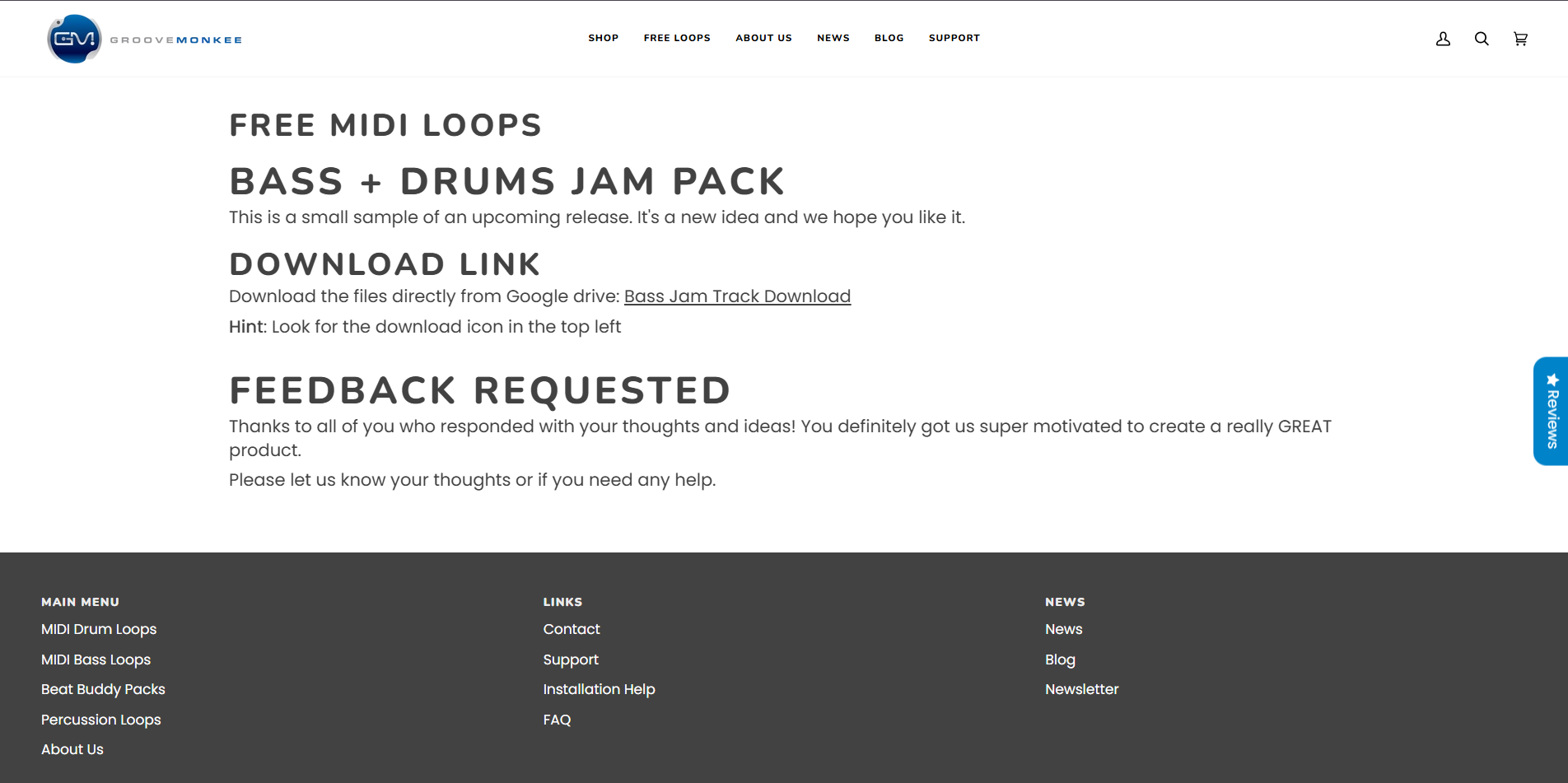
Groove Monkee focuses on performance-ready drum grooves and MIDI patterns designed for producers. If you want MIDI that’s meant to land in a DAW and feel musical immediately, this is the lane.
- Website: Groove Monkee
- Best for:drum programming; genre grooves; “human-feel” starting points.
- What you get:MIDI grooves/packs designed for production workflows.
- License / reuse note:sold as licensed products-read the royalty-free terms and restrictions (especially redistribution).
- Quality tip:map grooves to your drum instrument (Superior Drummer, Addictive Drums, etc.) and adjust velocity scaling.
- Fast workflow:drag in → match swing/feel → layer with your own fills.
21. Metal MIDI
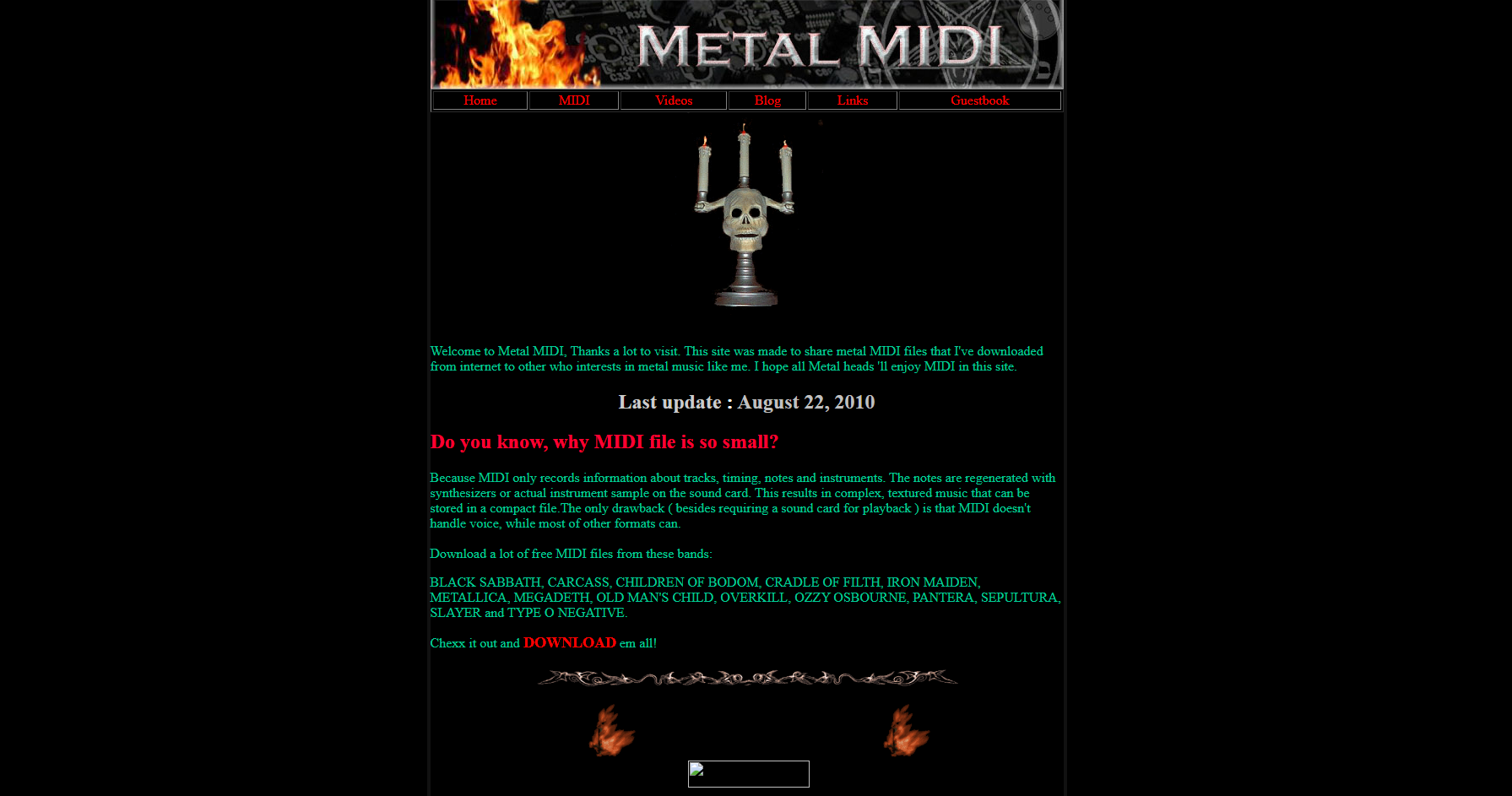
Metal MIDI sites are valuable because genre-specific programming (double-kick patterns, tight chugs) is hard to fake from generic files. The trade-off is that rights and provenance can be inconsistent-so treat reuse carefully.
- Website: Metal MIDI
- Best for:metal drumming references; tight genre patterns.
- What you get:genre-focused MIDI files that can inspire arrangements.
- License / reuse note:confirm if files are original, licensed, or user-uploaded; don’t assume publish-safe rights.
- Quality tip:check tempo map and note density; metal files can be over-quantized or overly busy.
- Fast workflow:simplify → humanize slightly → route to metal drum libraries.
22. ProducerSpot

Producer Spot is best treated as a producer-focused freebie hubrather than a “song MIDI archive.” The win here is that their free packs often bundle MIDI + WAV loopsin one download-useful when you want quick building blocks (chords/melodies) that already match the audio demo. One standout example is their “Free Dose” pack, which explicitly includes MIDI files and is marketed as royalty-free.
- Website: ProducerSpot.com
- Best for:Genre-ready MIDI loops + matching audio loops (Trap/EDM/hip-hop-style workflows).
- What you’ll find:Packs like “Free Dose” list 54 MIDI filesalongside 222 WAV loops, with tempo/key labeling called out on the page.
- Why it’s useful:You can audition the vibe quickly, then swap instruments/sounds in your DAW while keeping the MIDI pattern.
- License / reuse note:Producer Spot’s own pages position these downloads as legaland their free pack copy claims “100% royalty free.”Still: treat any third-party label content as “read the pack’s included license/terms before release.”
- Pro tip (workflow):Import the MIDI → route to a piano/synth → change voicings/rhythm slightly → bounce your own audio so it becomes yourarrangement, not a recognizable loop.
23. Cymatics
Cymatics is a major sample/producer-pack brand with MIDI included in many packs. The value is consistency: files are usually organized, labeled, and designed for modern genres.
- Website: Cymatics
- Best for:modern EDM/hip-hop/trap workflows; fast idea generation.
- What you get:tightly packaged MIDI (often chords/melodies) alongside samples/presets.
- License / reuse note:follow the license terms for the pack and avoid redistributing the raw MIDI as-is.
- Quality tip:swap scales/modes or re-voice chords to make the idea your own.
- Fast workflow:MIDI → new instrument → variation pass → commit to audio.
24. Unison Audio
Unison Audio is another producer-pack ecosystem where MIDI is packaged as a songwriting accelerator (chord progressions, melodies). Many pages position packs as royalty-free, but you should still verify terms for your use case.
- Website: Unison Audio
- Best for:quick songwriting scaffolds; chord progressions; genre templates.
- What you get:MIDI designed for immediate drag-and-drop creation.
- License / reuse note:confirm what “royalty-free” covers and what it doesn’t (especially redistribution and resale as MIDI packs).
- Quality tip:change voicing, rhythm, or key to avoid cookie-cutter results.
- Fast workflow:import → reharmonize → add your own top-line.
25. Slooply
Slooply is structured like a subscription sample library, including MIDI. The key detail is licensing: documentation distinguishes personal-only use on free plans from broader royalty-free rights on paid plans.
- Website: Slooply
- Best for:producers who want ongoing drops; large variety; quick browsing.
- What you get:subscription access to sounds and MIDI; plan-based access model.
- License / reuse note:paid plansare tied to royalty-free use, while free-plan downloads are personal-only per support documentation.
- Quality tip:build a personal “favorites” folder-subscription libraries get overwhelming fast.
- Fast workflow:pick a pack → use MIDI as seed → rewrite 1-2 musical decisions so it becomes yours.
26. The MIDI Association
This isn’t a “download famous songs as MIDI” site-and that’s exactly why it earns a spot. The MIDI Association is the authoritative referencefor what MIDI files are, how Standard MIDI Files work, and what metadata (tempo, time signature, track names) can be stored. If you want your article to signal real E-E-A-T, this is the credibility anchor that helps readers avoid technical misunderstandings and sloppy conversions.
- Website: The MIDI Association
- Best for:Understanding MIDI standards, troubleshooting weird MIDI behavior, and writing technically accurate content.
- What you’ll find:Clear explanations of Standard MIDI Filesand what they can contain (tracks, tempo/time signature info, track names, etc.).
- Why it’s useful:When a downloaded MIDI plays “wrong” (timing drift, no tempo map, missing structure), this is where you confirm what the format supports and what might have been omitted.
- How to use it in practice:Use midi.org to sanity-check terms like Type 0 vs Type 1, tempo maps, and why some MIDIs import as a single merged track.
27. Reddit Threads (community Discovery)
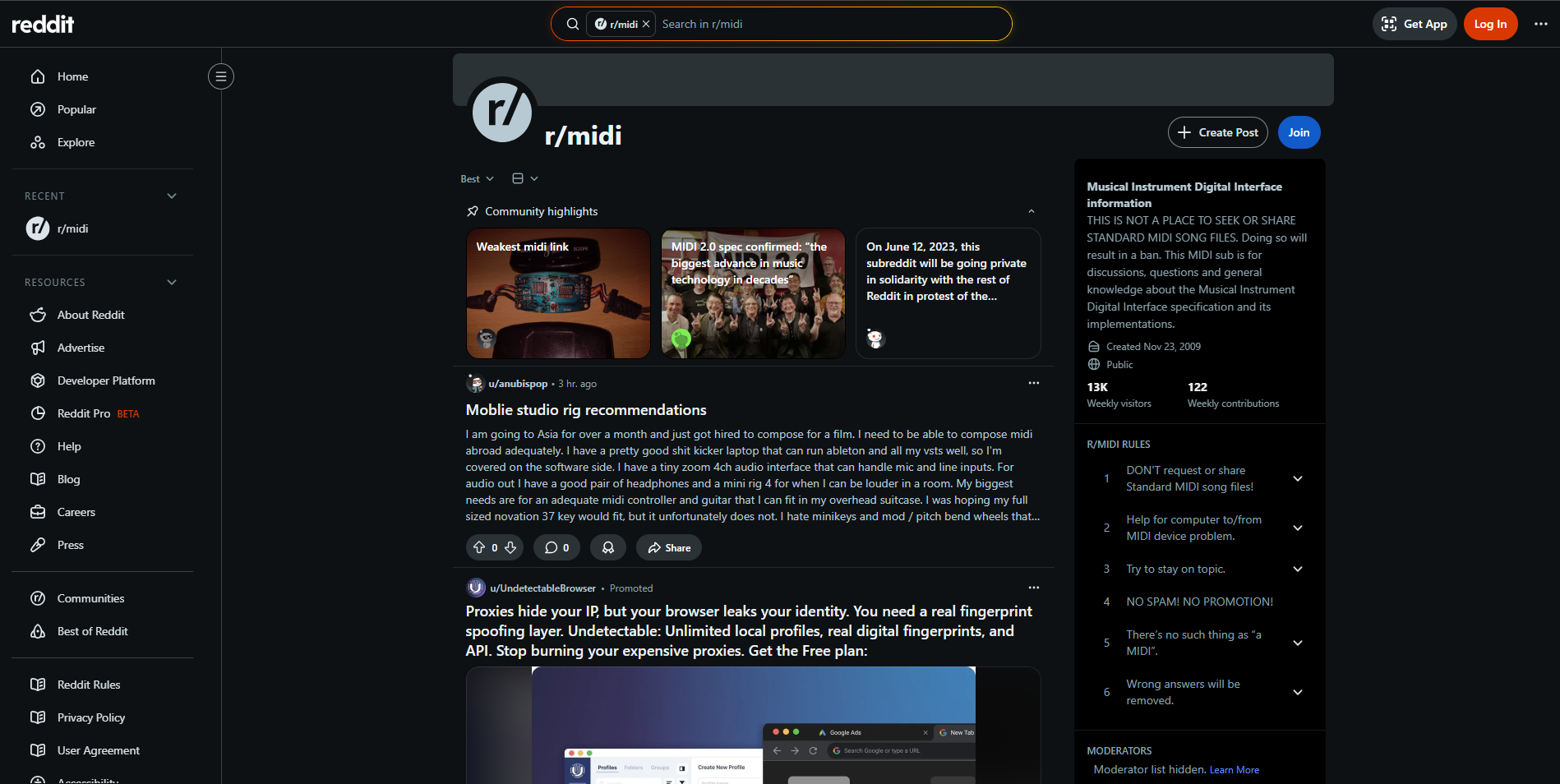
Reddit isn’t a MIDI library-it’s a discovery layerwhere producers share links, niche collections, and practical advice (“where do you get MIDI files?”). It’s also where quality warnings show up fast (broken files, sketchy downloads, unclear licensing). The tradeoff is obvious: you must filter aggressively and avoid anything that looks like pirated song MIDIsunless the rights are clearly granted.
- Website: Reddit
- Best for:Finding lesser-known sources, getting recommendations by genre/DAW, and troubleshooting imports.
- What you’ll find:Threads like “Best Place for Midi Files” with community suggestions and workflow advice.
- How to search efficiently:Use queries like site:reddit.com free midi pack+ your genre + your DAW (Ableton/FL/Logic).
- Safety / rights filter:Prefer posts linking to creator sites, official free packs, GitHub repos with clear licensing, or public-domain/CC sources-skip “mega dumps” with no license context.
- Use it as a “signal,” not a source:Treat Reddit as a map to better websites, then verify the original source’s license before downloading/using.
28. SampleSwap
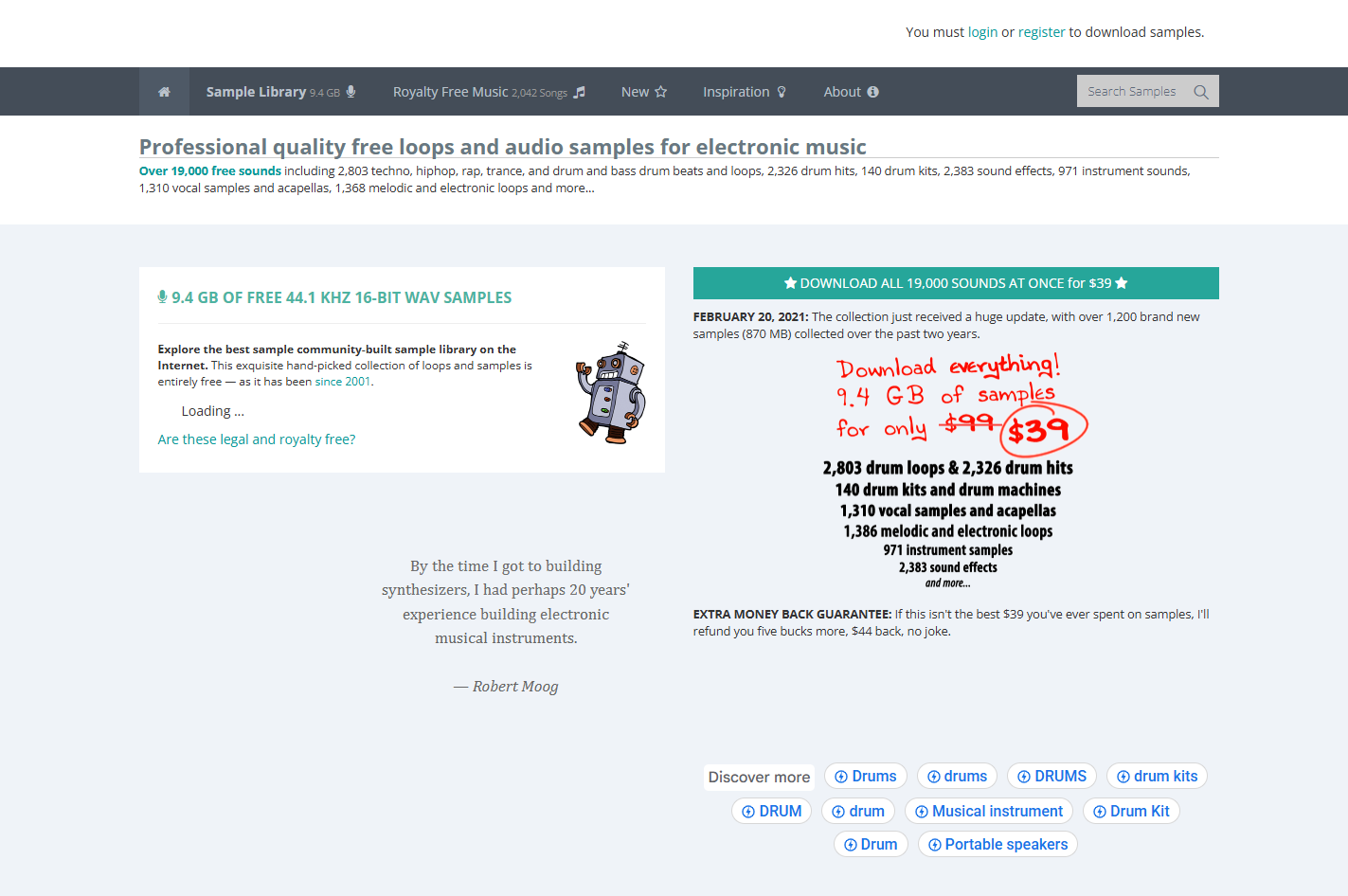
SampleSwap is not a MIDI download site, but it’s still highly relevant because MIDI is only “notes + timing”-you still need soundsto make those notes musical. SampleSwap provides a long-running, community-maintained library of free samples, plus music where each track includes its own licensing context. If your reader’s real goal is “finish tracks faster,” pairing MIDI with a dependable sound library is a practical, helpful-content upgrade.
- Website: SampleSwap
- Best for:Free drum hits, loops, and sample kitsto plug into MIDI-driven production.
- What you’ll find:A large sample library and a “royalty free music” area; the site notes that tracks include an accompanying licensedescribing allowed uses.
- Why it’s useful with MIDI:Use MIDI to program patterns, then pull one-shots/loops from SampleSwap to quickly audition grooves and textures.
- License / reuse note:Because licensing can vary by track/collection, treat it as “check the specific license attached to the item you download.”
- Quick workflow:Choose drums (SampleSwap) → write MIDI groove → layer a bass instrument → then swap sounds until the MIDI feels “alive.”
Takeaway:if you plan to publish, you’ll usually do best with Mutopia (license-clear) or producer-pack licenses-and treat huge “song MIDI archives” as practice-first unless rights are explicit.
Downloading MIDI Safely (Copyright + Security + Project Hygiene)
Here’s what you gain in this section: you’ll avoid the two classic mistakes-(1) building a release around a file you can’t legally use, and (2) importing junk MIDI that wastes your session.
A Practical Licensing Checklist (do This Before You Build)
- Identify the source:is this Public Domain/CC/royalty-free, or just “free to download”?
- Check the file’s metadata:track names or comments sometimes include author credit/usage notes (common in community archives).
- Confirm commercial intent:if you’ll monetize (streaming, ads, client work), default to license-clearsources.
- Don’t redistribute raw files:even royalty-free packs typically forbid repackaging and reselling the MIDI itself.
- Document it:keep a “MIDI Rights” note in your project folder (source + license + date accessed).
Basic Safety Tips (simple, But Worth Doing)
MIDI files are data, but your downloads can still come inside messy archives elsewhere-so keep it clean:
- Download from reputable pages, avoid “installer” bundles, and store MIDI in a dedicated folder.
- Import into your DAW or notation app first-don’t run unknown executables.
Takeaway:the safest workflow is boring: verify rights, document, then produce.
Using MIDI In Your DAW Or Notation App (Quick Workflow)
This section’s value: you’ll get from download → playable project without the usual tempo/track chaos.
DAWs (Ableton / FL Studio / Logic / Studio One / Etc.)
A reliable import flow:
- Drag the MIDI onto a track, then immediately verify the project tempomatches the MIDI’s intended feel.
- Split by track/channel(if needed) so drums/bass/melody aren’t trapped together.
- Replace default sounds with your instruments, then do a light timing/velocity cleanup.
Notation (MuseScore Studio)
If your goal is readable notation (practice, arranging, printing), MuseScore software is a common choice, and many classical sites even recommend it for MIDI playback.
Typical flow:
Import MIDI → quantization cleanup → fix measure grouping → export score/PDF.
If you’re playing parts in instead of downloading them, a MIDI keyboardssetup lets you record notes directly into your DAW and edit them later. This is often faster than hunting for the perfect file.
Common Cleanup Steps That Instantly Improve “bad MIDI”
- Delete unnecessary program changes.
- Humanize velocities (especially for piano).
- Correct drum mapping (GM vs plugin mapping mismatches).
- Rename tracks so the file is usable six weeks from now.
Takeaway:most “bad MIDI” becomes usable after tempo verification + track separation + light humanization.
MIDI Quality Checklist (What “Good MIDI” Looks Like)
Use this as a quick pass right after import:
- Tempo is correct(or intentionally mapped).
- Tracks are separated logically(drums/bass/chords/melody).
- Note lengths aren’t absurd (no endless sustains unless intentional).
- Velocities have musical dynamics, not flat 100s everywhere.
- Drums map correctly to your kit.
- File doesn’t rely on weird program changes for core sound.
Takeaway:clean MIDI is less about fancy notes and more about structure you can build on.
Frequently Asked Questions
What Does MIDI Mean?
MIDI stands for Musical Instrument Digital Interface-a standard that stores and transmits performance instructions like note, timing, and velocity.
Where Can I Find Free MIDIs That Are Safe To Reuse?
Start with Public Domain or Creative Commonslibraries like Mutopia, which clearly states PD/CC licensing.
Are MIDI Files Copyrighted?
They can be, especially when they contain original arrangement or performance-style choices; musical works and new versions/arrangements are copyright-protected.
Can I Use A MIDI File Commercially If The Song Is “public Domain”?
Sometimes-but the MIDI arrangementcan still have its own rights. Use PD/CC sources where the MIDI’s license is explicit.
What’s The Difference Between “royalty-free” And “Public Domain”?
Public Domain means no copyright restrictions; royalty-free means you’re granted reuse rights under a license, usually with limits like no redistribution.
Which Site Is Best For Classical MIDI Downloads?
For license clarity, Mutopiais excellent; for broad catalog browsing, Classical Archives is deep but permissions can vary by piece.
Which Site Is Best For Video Game MIDI Files?
VGMusic is one of the deepest video game MIDI directories, organized by console/title and maintained as a long-running community.
Why Does A MIDI Sound “wrong” After Importing?
Most often it’s a mismatch of tempo, instrument mapping, or drum note layout(GM vs your plugin).
What Is MIDI Used For On A Computer?
It’s used to sequence and edit musicinside DAWs and notation apps-controlling instruments with note/velocity/timing instructions.
What Is MIDI On A Phone?
On mobile, MIDI typically means files you can play back, practice with, or importinto music apps-still note/timing data, not recorded audio.
Do I Need A Special Player For MIDI Files?
Many DAWs and notation apps import MIDI directly; some websites also include in-browser players (e.g., BitMidi).
Can I Convert MIDI To MP3 Or WAV?
Yes, conversion renders MIDI through an instrument/soundfont into audio. Some tools are browser-based, while DAWs can export audio directly.
Why Do Some Sites Say “free” But Still Restrict Usage?
“Free” often means free access, while rights can still be reserved-especially for arrangements or copyrighted songs.
What’s The Best Way To Credit A MIDI Creator?
If the license asks for attribution (common with Creative Commons), include the creator name, license type, and source in your description/credits.
Which Sites Are Best For Producer Chord Progressions And Grooves?
Producer pack sites and groove libraries (like Groove Monkee) are designed for DAW workflows and typically come with licensing terms.
Quick Recap
If you want the safest “start here” answer: Mutopia for license-clear music and royalty-free producer packs for beat-making. For everything else-giant “song MIDI” archives-treat them as amazing for learning and sketching, but verify reuse rights before you publish.
If you’re building a workflow, my recommendation is to create a simple “MIDI Intake” folder with two subfolders: License-Clear and Practice-Only. That one habit prevents most future headaches.